Page 79
MNVADCJ01_1729_EN
6.8 Eneo Pan & Tilt
6.8.1 Materials and reference documents
Eneo Pan & Tilt VPT-42/RS1.
Protocol documents PC COMMAND-v3.0VT e VT-ASCII.
6.8.2 Connections
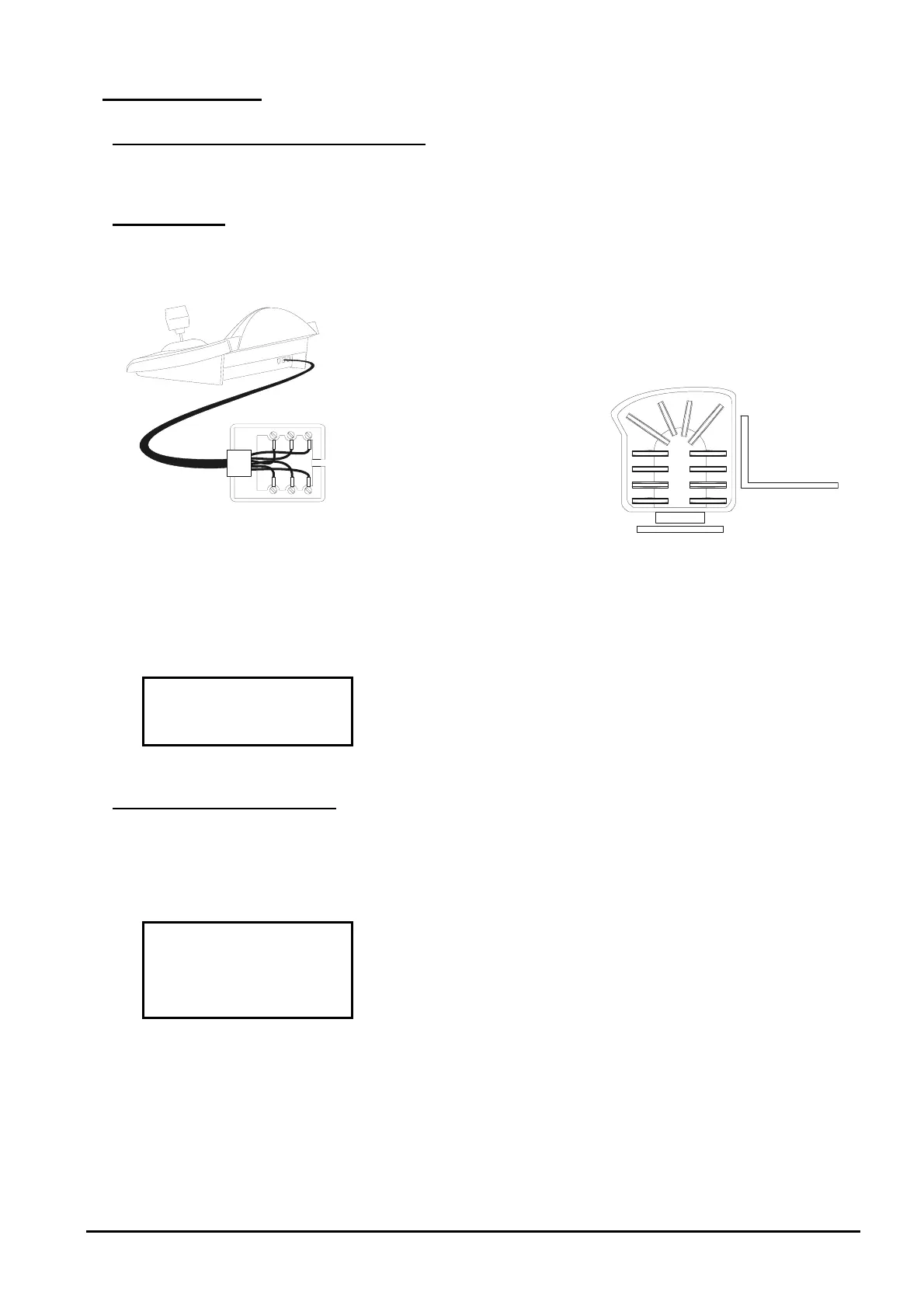
6.8.2.1 Cable
White
Yellow
RS485
A
RS485B
RS485 RX+/
TTY 20 mA
RS485 RX-/
TTY 20 mA
Eneo VPT-42/RS1
6.8.2.2 Configuring the pan & tilt
The number of the pan & tilt must be configured correctly. See the corresponding manual.
6.8.2.3 Configuring the keyboard
When configuring the keyboard, the submenu should be set up as follows:
The baud rate should correspond to the one selected for the
pan & tilt.
6.8.3 Configuring the pan & tilt
Settings for all pan & tilt parameters requiring configuration are made by pressing a combination of keys or
byinserting a special code.
For all pan & tilt setup operations the keyboard should be enabled for TELEMETRY SETUP
(
menu ).
The menu for pan & tilt setup is entered by pressing
:
The items in the setup menu are described below.
Individual settings can be recalled one at a time using
combinations of dedicated keys:
autopan setup
standard patrol setup
random patrol setup
home position setup
preset speed setup.



 To Next Page