Document: LT0732 QE20 Fibre Networking User Manual
Issue 1.0 24 May 2023 Page 3-7
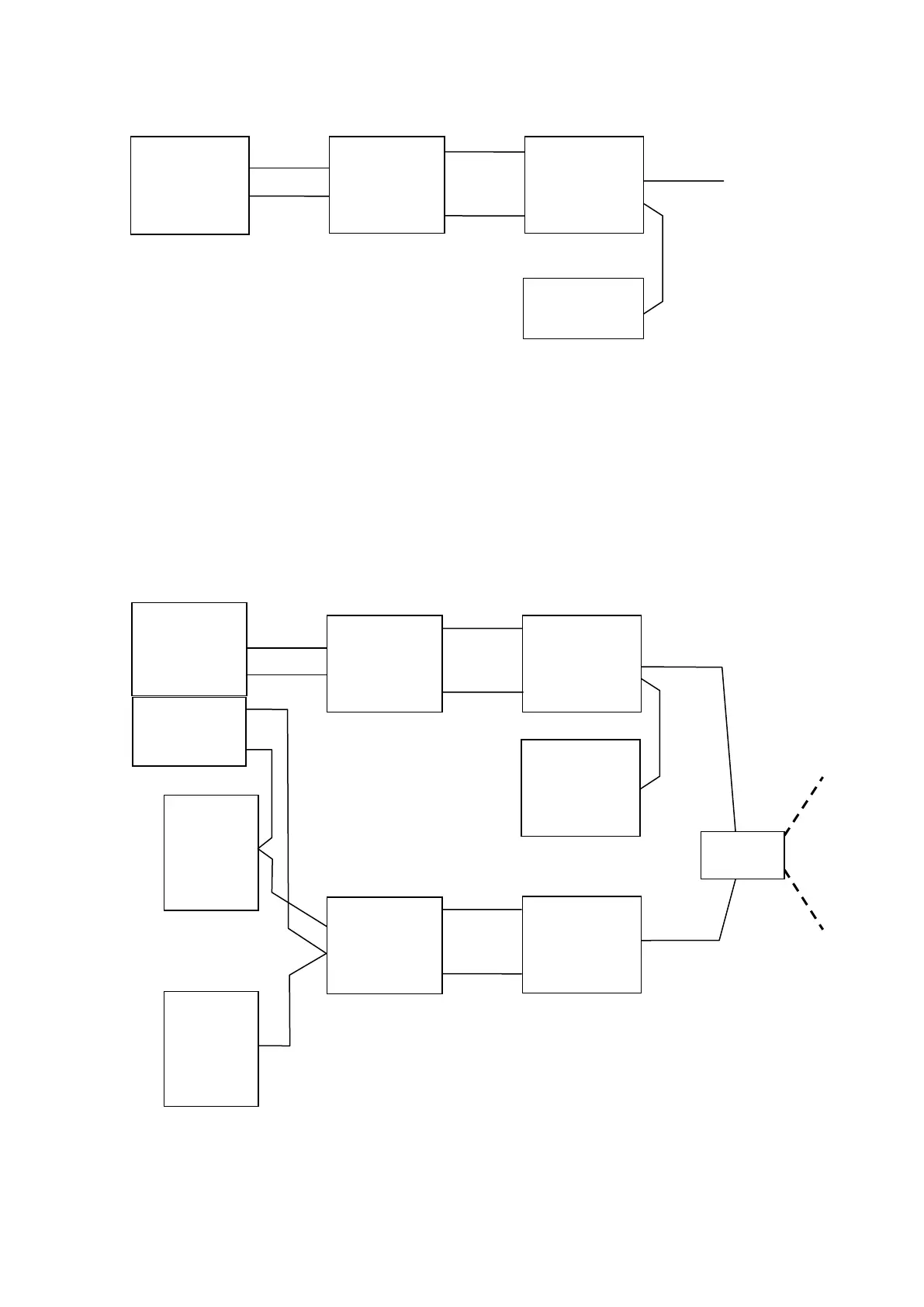
Figure 3 – 1 Line PA + 1 Line WIP + PIB VoIP Proxy
Figure 4 shows an expansion to Figure 3 so that BGM (music) audio and / or paging
console audio can be sent to or received from other QE20s.
A second VIF and ATA is added to each QE20, and the PIB configured for additional
channels of VoIP Proxy functions. Each VIF + ATA pair provides two channels of
audio that can be sent or received over the network.
The QE20 panel is configured with Script commands to control VIF #1 (and so the
ATA #2) so that calls can be made or received.
Figure 4 – PA In / Out, WIP In / Out including All-Call, Paging Console out, and Music out
(using PIB VoIP Proxy)
VIF
ATA
RS485
Network
PIB
(VoIP proxy)
Controller
VIF
0
ATA #1
RS485
Network
VIF
1
ATA #2
PIBs
(VoIP Proxy)
CD
Player
Paging
Console



 To Next Page