Document: LT0732 QE20 Fibre Networking User Manual
Issue 1.0 24 May 2023 Page 3-11
Will produce a destination address of 2@10.0.1.xx:5061 when the 2-digit number 00
to 89 (xx) is dialled, and specific URLs when 90 and 91 are dialled. Other two-digit
numbers are not accepted.
Recommend Dial Plans
The recommended dial plan for Line 1 (Speech) is
(<:1@10.0.1.>[0-8]x<::5060>)
So that the PIB VoIP Proxy host on the first PIB is called for speech from SIDs 00-
89, assuming the suggested IP addressing scheme in Section 3.3 is used.
The general recommended dial plan for Line 2 (WIP) is
(<:2@10.0.8.>[0-8]x<::5061> | <90:2@10.0.1.21:5061> | <91:2@10.0.1.50:5061>)
This will dial the remote QE20 first ATA WIP line directly for numbers 00 to 89 for 1:1
WIP calls. Specific URLs need to be added for each SID that can send WIP All Call
to this QE20 (change the 90 and 91 combinations to the required dial numbers and
PIB IP address:Port combinations and add additional options if other QE20s can
send WIP All Call here).
Design Example
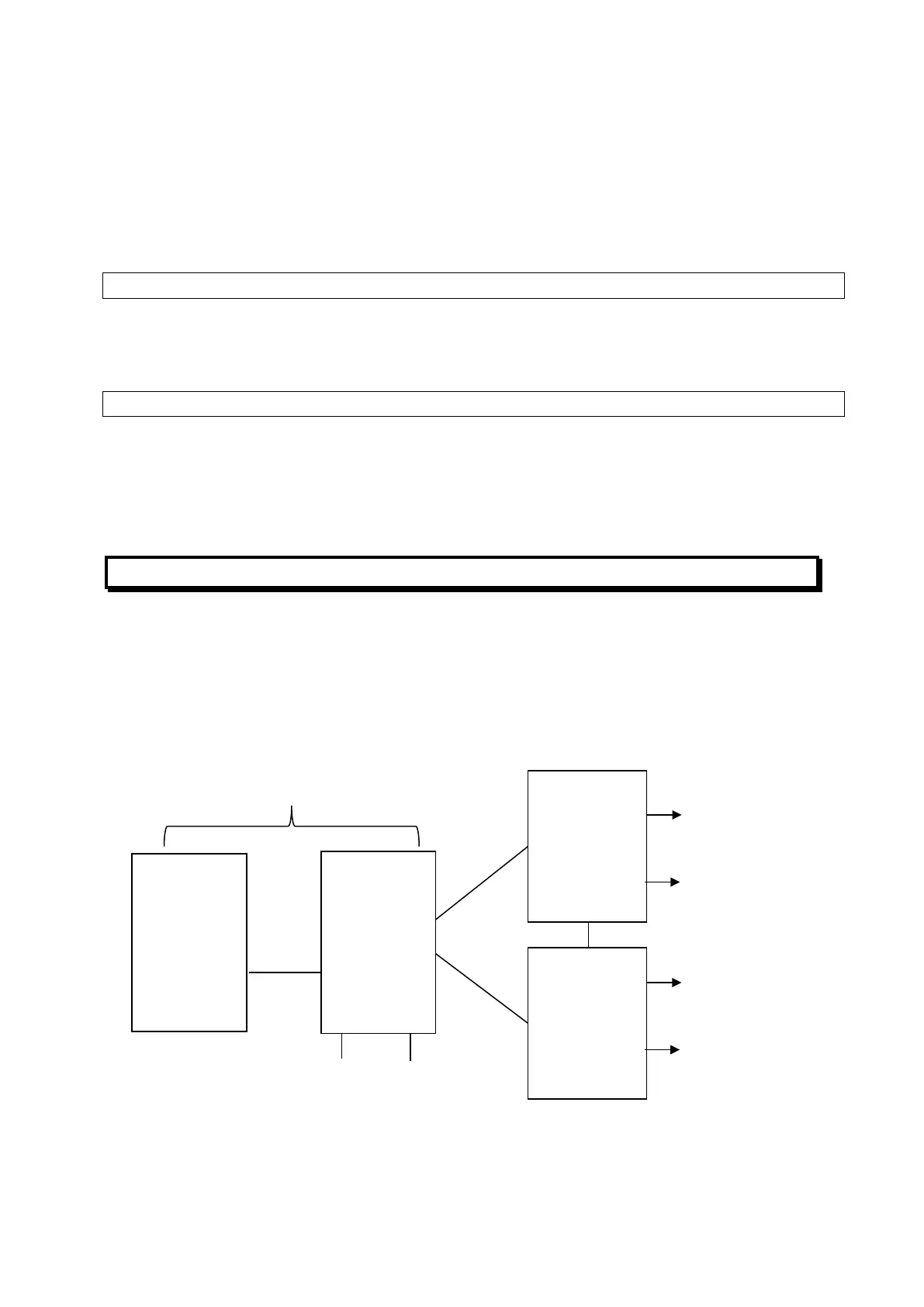
Figure 7 shows an example system requiring many of these features.
SID 50 is the MECP and a Fibre-Copper Bridge, effectively joining the two remote
“amp racks” on the fibre ring (SIDs 21 and 22) to the copper connected SECP at SID
20.
Figure 7 – Example Network
Speech (PA) needs to be sent from the MECP and SECP, SIDs 50 and 20, to the
amp racks, SIDs 21 and 22.
Fibre Ring
(Segment 1)
Speakers (BGM
& Paging from 50)
AMP
Rack
SID 21
SECP
SID 20
BGM Paging
(audio from
MECP
SID 50
Fibre-
Copper
Bridge
RS485 Copper Connection
(Segment 2)
AMP
Rack
SID 22
WIPs (All Call
from 20 & 50)
Speakers (BGM
& Paging from 50)
WIPs (All Call
from 20 & 50)



 To Next Page