QE20 Fibre Networking User Manual Document: LT0732
Page 3-12 24 May 2023 Issue 1.0
WIP All Call functions are enabled at SID 20 and 50, which need to be received on
WIPs at SIDs 20, 50, 21 and 22.
The MECP, SID 50, also receives BGM and Paging audio that needs to be sent over
the fibre network to the amp racks, SIDs 21 and 22. A 2nd VIF and ATA combination
will be required at each of these QE20s to send and receive this audio.
The fibre ring is allocated an Audio Bus Segment number 1 and the copper
connection is allocated segment 2.
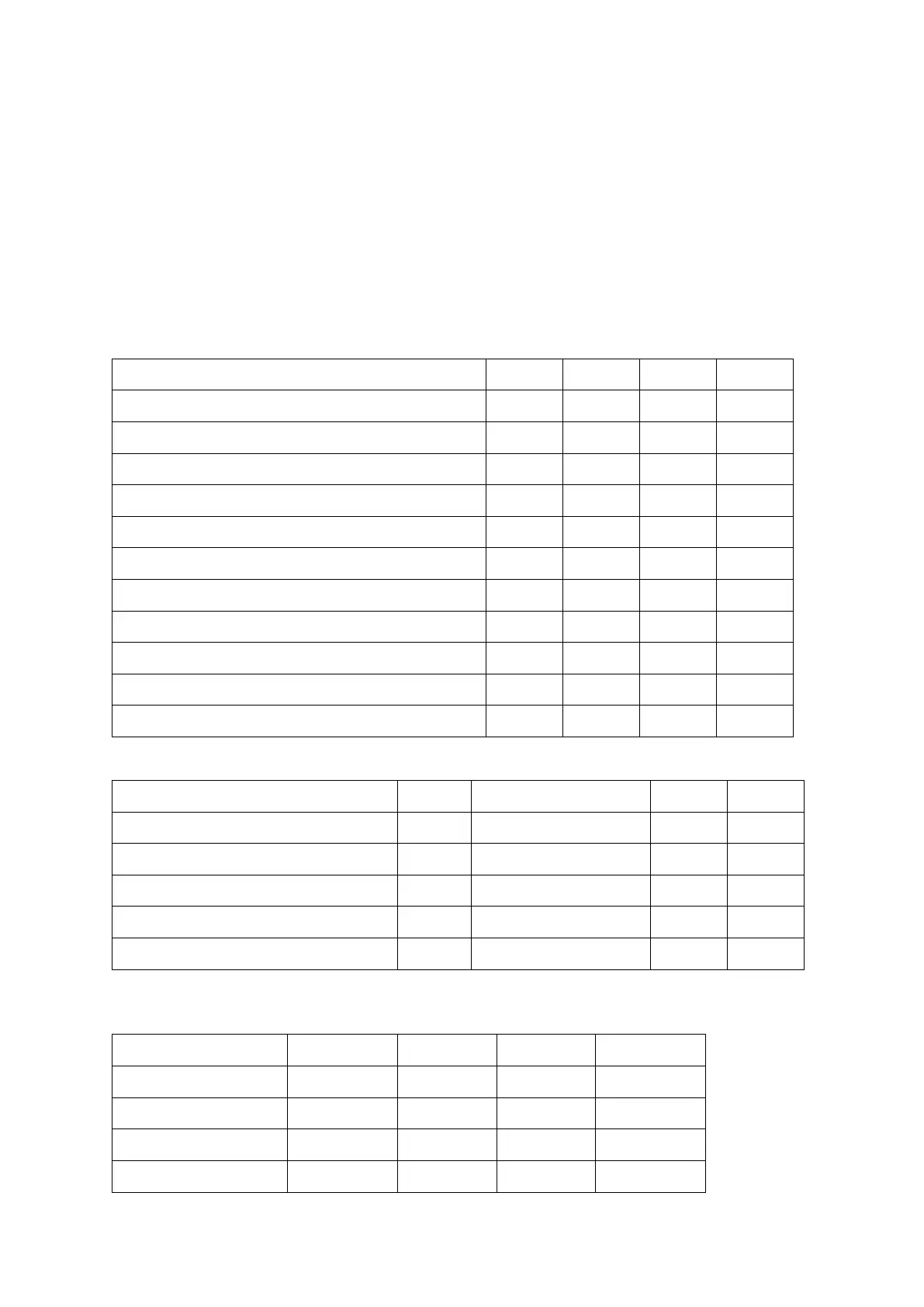
This table shows the questions and answers required by QE20Cost so that the
correct panel designs can be done and the quantity of VIFs, ATAs and PIBs
calculated.
QE20 Cost Question / SID Number
This panel is a fibre-copper bridge
Receives PA from other fibre-connected
Number of fibre panels sends PA to
Number of fibre panels sends All-Call to
Receives Paging Console Audio
Number of fibre panels sends paging to
Number of fibre panels sends music to
The resulting quantities are.
IP addresses can then be assigned to the Moxa, PIB, and ATAs on the fibre-
connected QE20s.



 To Next Page