© 2011 Viking Preferred Service
15
Service Diagnostics and Procedures
Entering Diagnostic Mode–450 Model
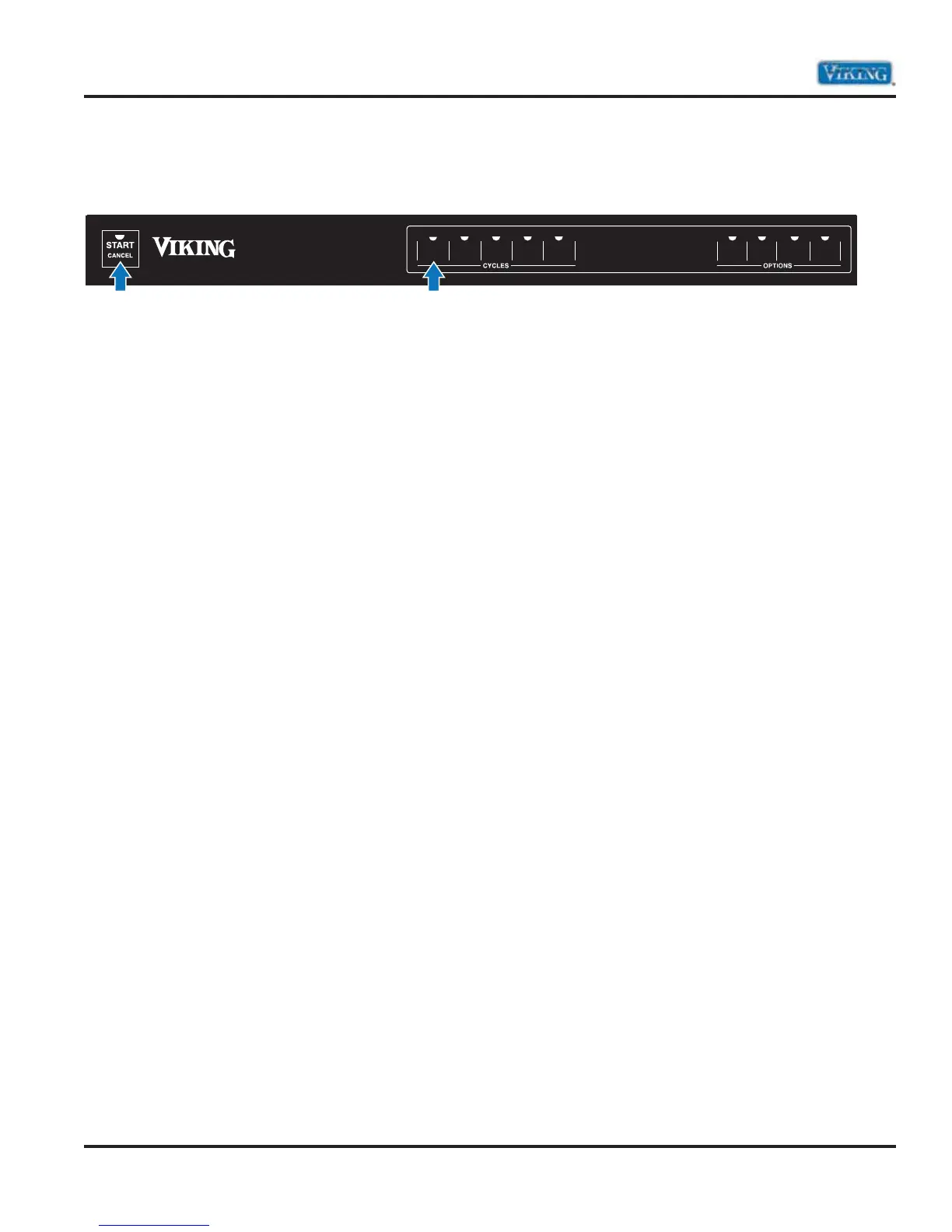
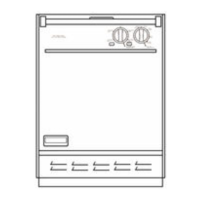
To enter the Diagnostic mode on model 450, press the left most program button five times (Pots Pans) and
then immediately press the “start” button.
The test cycle will run approximately 6-1/2 minutes and will run each component individually.
Be sure to close the soap dispenser cup as this function will also be energized opening up the cup.
1. Drains any water in the sump (pressure sensor controlled).
2. Fills until pressure sensor is satisfied (about 1 minute).
3. Soap dispenser activates.
4. Wash arm diverter sets to upper wash arm.
5. Motor circulates at 2500 RPM’s (upper wash arm) with water heater for 10 seconds.
6. Wash arm diverter sets to lower wash arm.
7. Motor circulates at 3100 RPM’s (lower wash arm) with water heater for 10 seconds.
8. Water drains below primary filter level (pressure sensor controlled).
9. Wash arm diverter sets to Filter Clean. Circulate (filter clean) for 10 seconds.
10. Drains all water in the sump (pressure sensor controlled) until empty.
11. 10 second pause
12. Dryer blower motor and heater will activate for 10 seconds to check amps. When cycle is complete, you
will hear 2 long Beeps. This is the indication that the test cycle has finished.
Note: During this test cycle, if the Control board senses a failure that it is programmed to monitor, it
will display an error code.
s Vari-Pressure Intelli-Wash
s Quiet Clean System
s Airflow Gentle Dry
ECONO
DRY
TOP
WASH
DELAY
START
RINSE
HOLD
155˚ FINAL
RINSE
LIGHT
CHINA
SECOND
WASH
POTS
PANS
NORMAL
WASH
1
2


 To Next Page