General Information
6 ©2013 Viking Preferred Service
Setting the Clock
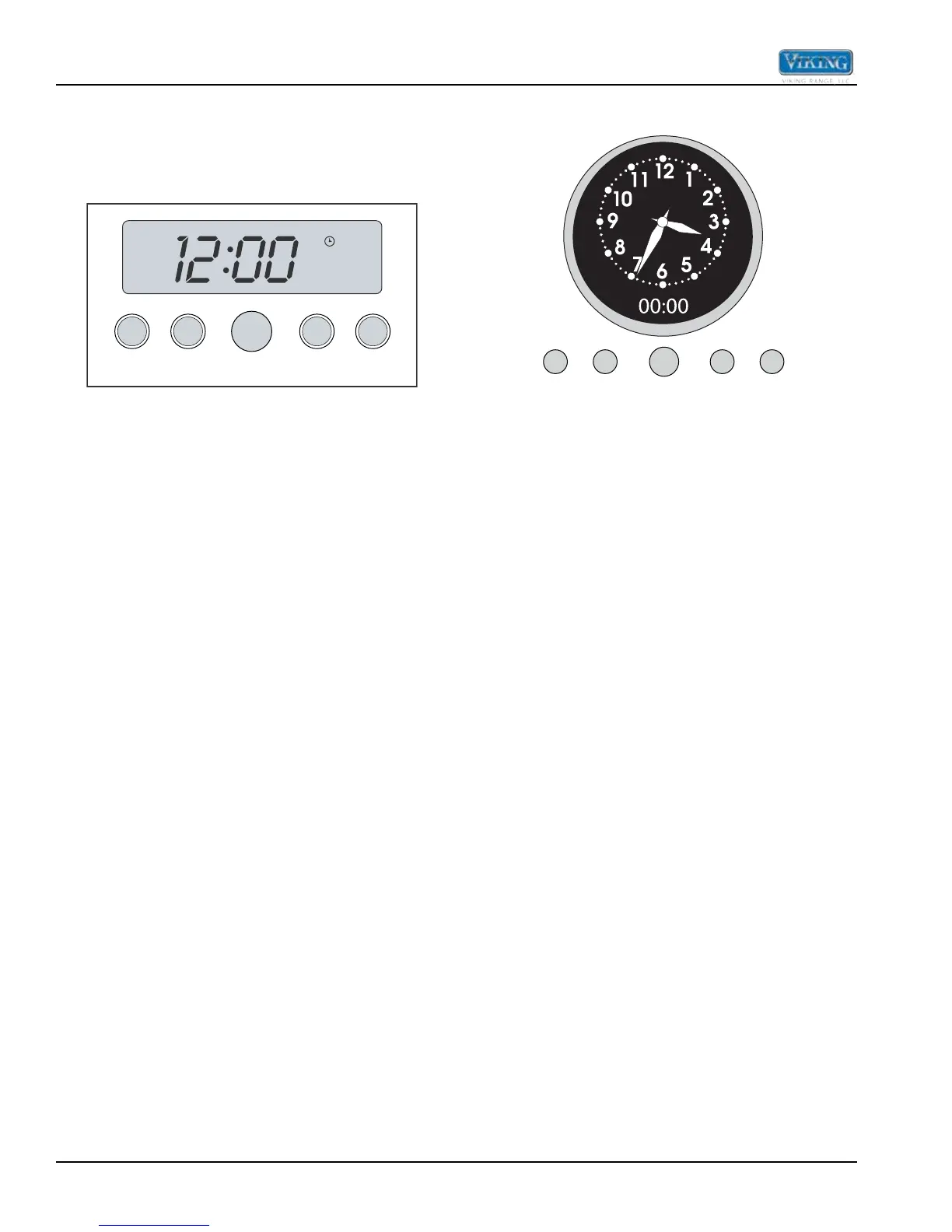
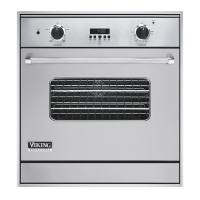
Digital Display (Select Models)
The time-of-day must be set before any other program
can be used. When your oven is first connected to the
power in your home, the timer display will show --:--.
SET
CLOCK MIN/SEC
TIMER
SET
BAKE
TIME
START
TIME
To program the time-of-day:
1. Press the “CLOCK”* button once. 12:00 will be
displayed with the word SET in the upper right
corner.
2. Turn the “SET” knob until the correct time-of-day is
displayed. AM and PM are not indicated.
3. Press the “CLOCK” button again. The word SET will
disappear and the correct time is now set into the
timer. The time-of-day can be changed by following
steps 1 through 3. It cannot be changed while there
is a Bake Hours or Start Time cycle programmed into
the timer.
*NOTE: The PROBE function is included on Premiere
Models.
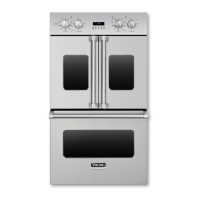
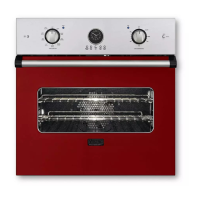
Analog Display (Premiere Models)
Synchronizing the analog and digital clocks:
bake
start
Set
NOTE: It is important to always synchronize the analog
and digital clocks before setting the timeof- day.
1. Press and release the “start time” button.
NOTE: This is only necessary after a power outage or
for the rst time to set the clock.
2. Press and hold the “min/sec timer” and start time
buttons simultaneously.
3. Turn the “Set” knob to move the hands on the analog
clock to 30 minutes ahead of the current time.
Release hold from “start time” and “min/sec timer”
buttons.
4. After several seconds, the display will blink. Press
and hold the “min/sec timer” button and turn the “Set”
knob to set the digital clock so that it matches exactly
with the analog clock. The clocks are now synched
and you can now set the time of day. The time-of-day
must be set before any other program can be used.
Setting the time-of-day:
1. Push and hold the “min/sec timer” and “bake time”
buttons simultaneously.
2. Turn the “Set” knob until correct time is displayed on
the digital clock.
3. Release hold from “min/sec timer” and “bake time”
buttons. The analog clock’s time will automatically
set to match the digital clock.


 To Next Page