OPERATING CONTROLS AND INSTRUMENTS SECTION 3
DD-29/31HF/38HF Vibratory Asphalt Compactors 3-5
CONTROLS AND SWITCH DESCRIPTIONS
The following descriptions refer to Figure 3-3 through Figure 3-6.
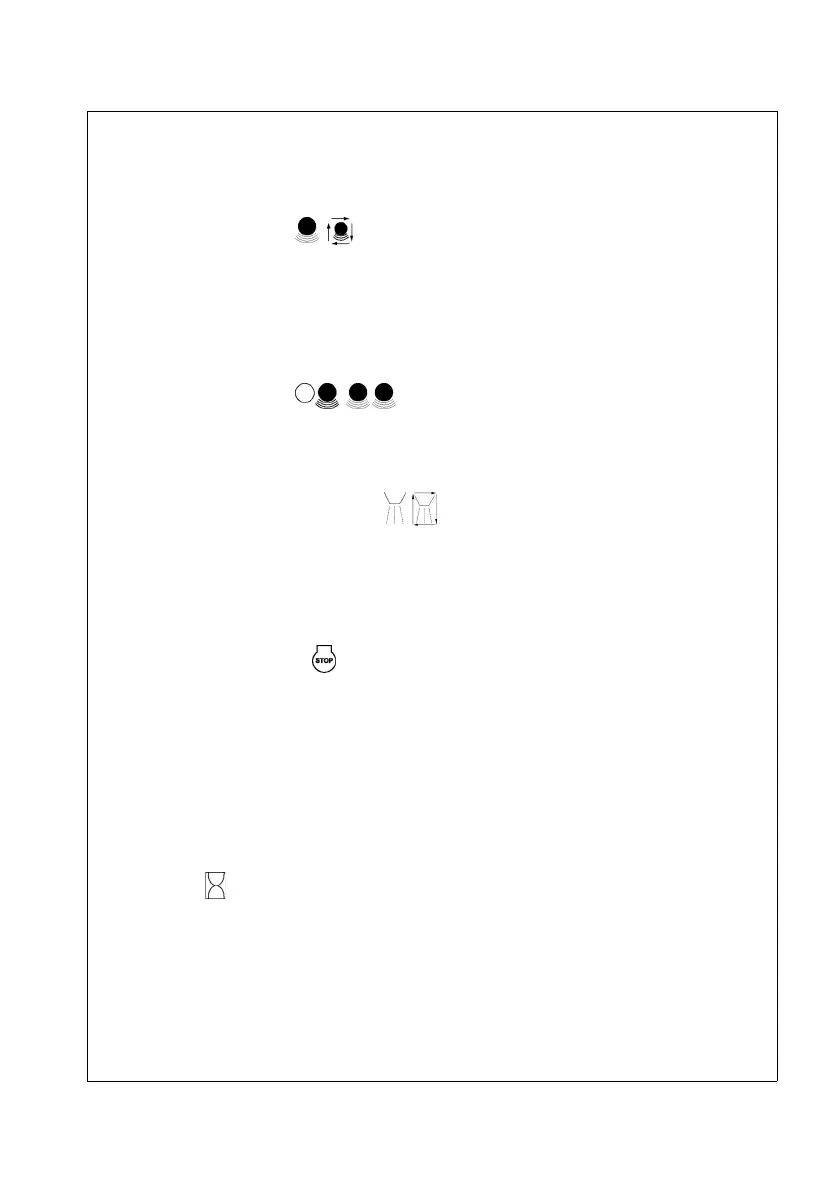
Auto Vibration Switch
This two position rocker switch (1) is used to select the vibration mode. Pressing the right side
of the switch activates AUTO vibration. Pressing the left side of the switch selects vibration
ON. In AUTO mode, with the vibration pushbutton (15) switched ON, vibration will start
automatically when the machine reaches a speed of approximately ½ mph. In the ON position,
vibration is manually controlled by the Vibration ON/OFF switch (15).
Drum Selector Switch
This two position rocker switch (2) is used to select either front drum vibration or both drum
vibration.
Auto/Manual Water Pump Switch
This three position switch (3) is used to control the main water pump. In Auto position, water
spray turns on and OFF when the machine starts and stops respectively. In Manual mode,
water spray operates continuously. The switch should be in the OFF (center) position
whenever water spray is not required or when filling the water tanks.
Emergency Stop Switch
The Emergency Stop Switch (4) is a latching type switch that, when pressed, shuts down the
engine and all other machine functions in the event of an emergency. To restart the machine
after the e-stop has been activated, pull out on the switch and proceed with the start up
procedure.
Steering Wheel
As the name implies, the steering wheel (5) is used to steer the machine.
Hourmeter
The Hourmeter (6) displays the run time for the engine. Maintenance recommendations are
based on the engine operating hours.


 To Next Page