PAGE 20
© 2014 OJ Electronics A/S
Frost mode is used when heating is not needed but the temperature must be kept
above freezing point until changed manually.
1. Tap the “Menu” button on the home screen.
Then tap the “User Settings” button to access the various user settings.
2. Tap the “Frost Mode” button.
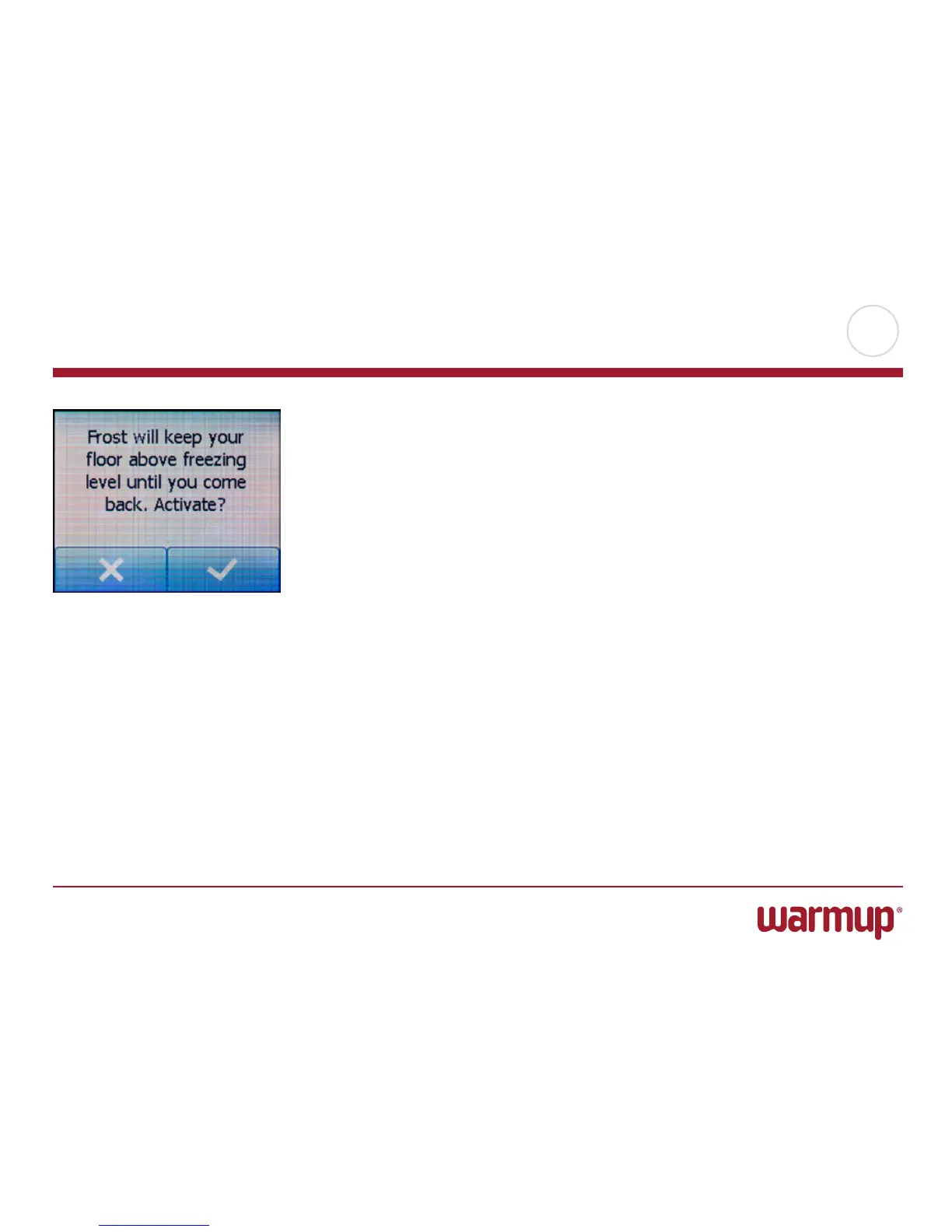
3. Tap the “√” button to enter frost mode. A confirmation screen will then be dis-
played briefly before the thermostat automatically returns to the “User Settings”
menu.
While in frost mode a snowflake is displayed on the home screen together with the
target/setpoint temperature (5.0°C).
You can cancel frost mode and return the thermostat to the previous operating
mode by tapping the “X” button.
Frost Mode



 To Next Page