PAGE 39
© 2014 OJ Electronics A/S
Factory Reset
This option allows you to restore the thermostat to factory settings.
Note! This action cannot be undone, and all your personal settings will be lost.
1. Tap the “Menu” button on the home screen.
Scroll down and tap the “Engineer Settings” button.
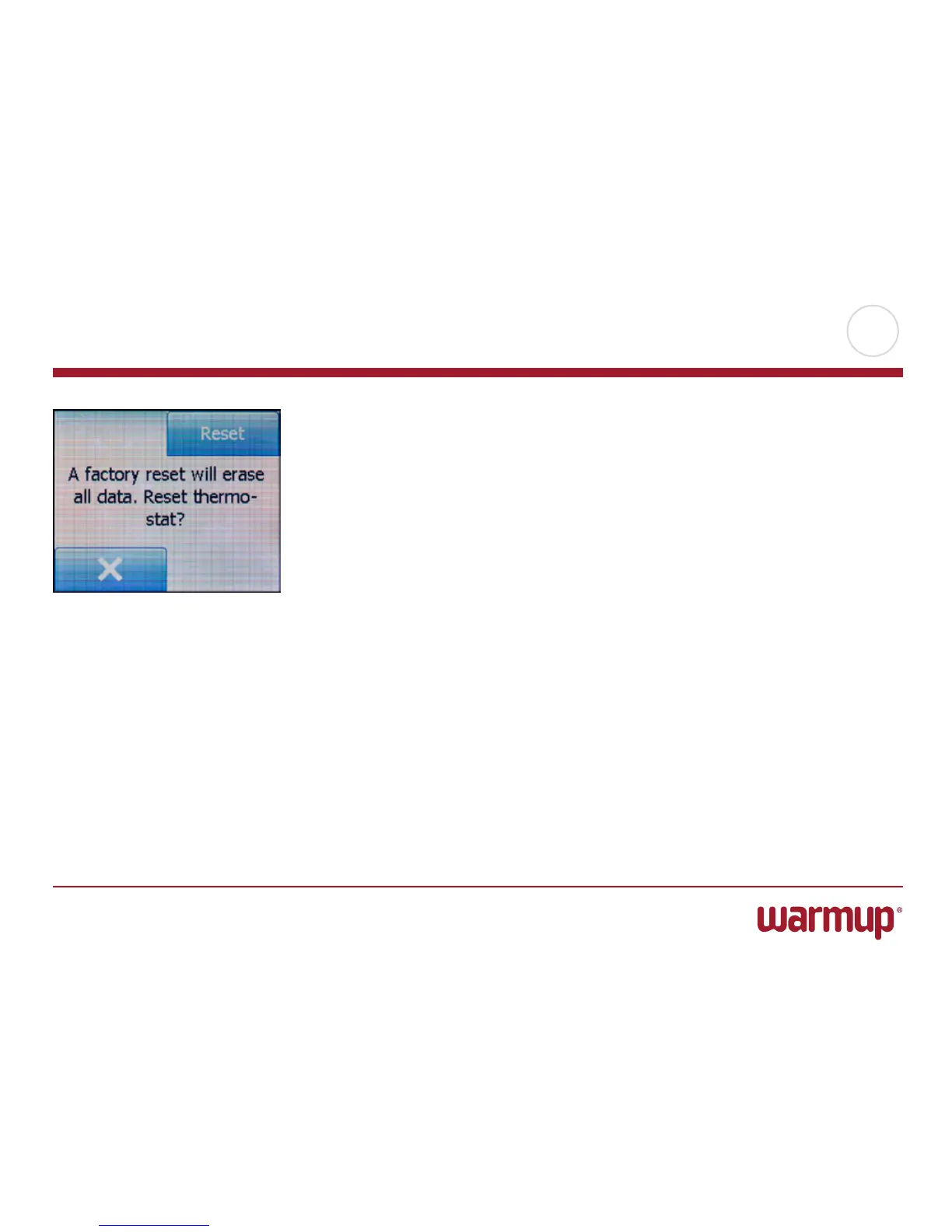
2. Tap the “Factory Reset” button. 3. Tap “X” if you want to maintain your settings
and return to “Engineer Settings”.
Tap “Reset” if you want to restore the factory settings.
4. The thermostat will then be reset and the “Startup Wizard” will appear on the
screen.



 To Next Page