PAGE 22
© 2014 OJ Electronics A/S
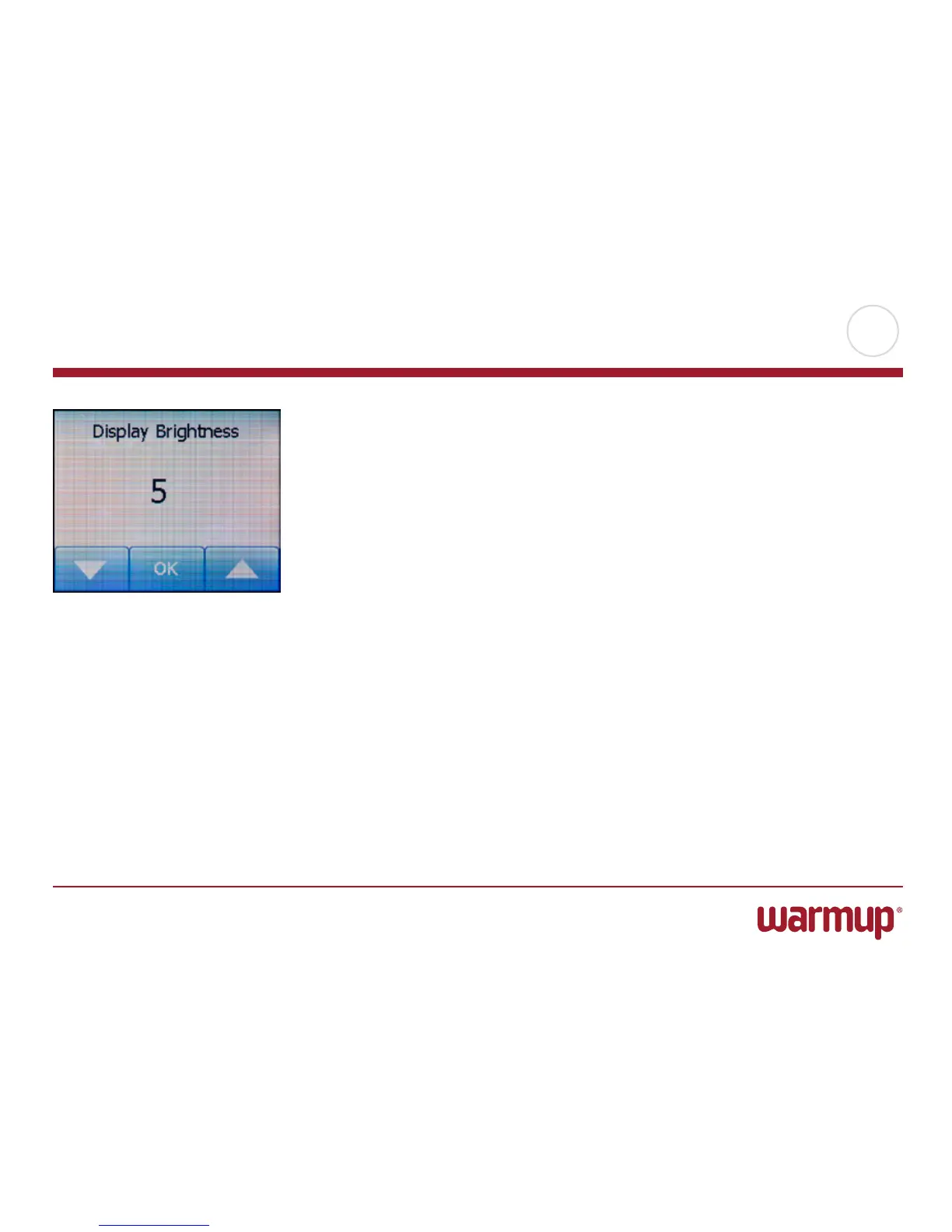
This option allows you to change the brightness of the display.
1. Tap the “Menu” button on the home screen.
Then tap the “User Settings” button to access the various user settings.
2. Scroll down and tap the “Display Brightness” button.
3. Select one of the five levels of brightness using the “Up Arrow” or “Down Ar-
row” button.
4. Confirm your choice with “OK”.
The thermostat will automatically return to “User Settings”.
Display Brightness



 To Next Page