PAGE 32
© 2014 OJ Electronics A/S
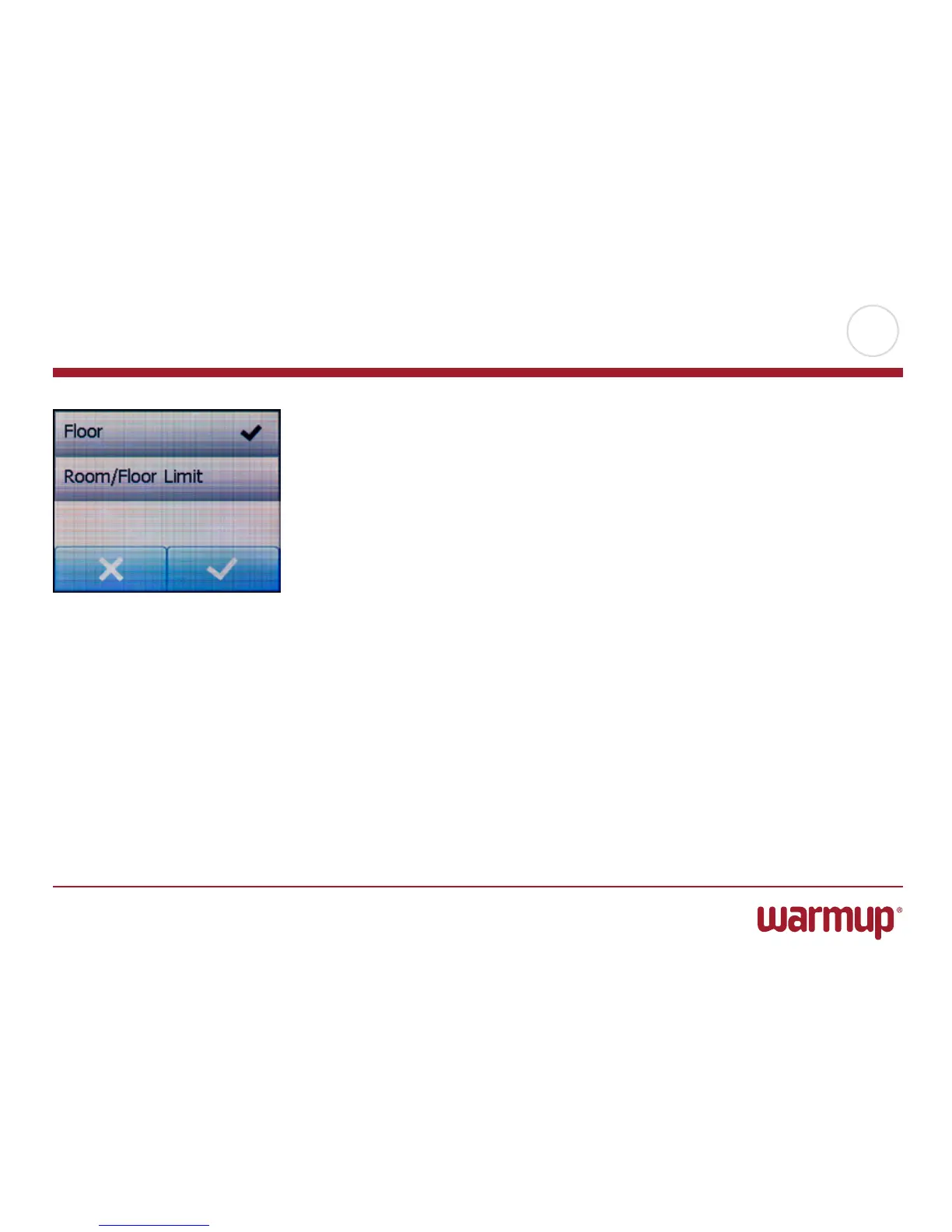
Sensor Application
This option allows you to choose which sensor is used to control the heating sys-
tem.
• Floor(default):Withthissetting,theoorsensorcontrolstheheatingsystem.
• Room/FloorLimit(advanced):Withthissetting,theroomsensorcontrolsthe
heating system subject to maximum and minimum limits for floor temperature.
The maximum temperature limit protects wooden floors from excessive heat.
The minimum temperature limit prevents the floor from becoming too cold for
comfort when heating is not needed, e.g. in a bathroom. Note that this function
will increase energy consumption.
(Floor Limit temperatures are set in the “Temperature Scale” menu).
• Room(alternative):Withthissetting,theroomsensorinsidethethermostatcon-
trols the temperature.
Maximum temperature depends on floor type and temperature scale.
1. Tap the “Menu” button on the home screen.
Then tap the “Engineer Settings” button.
2. Tap the “Sensor Application” button.
3. Accept the information displayed, then tap the application you want to use.
4. Confirm your choice with “√” or discard it with “X”.
5. Tap the “LeftArrow” button to return to “Engineer Settings”.



 To Next Page