PAGE 24
© 2014 OJ Electronics A/S
This option aects the schedule used during auto operation.
An event is a scheduled time of day when the thermostat automatically changes the
temperature setting.
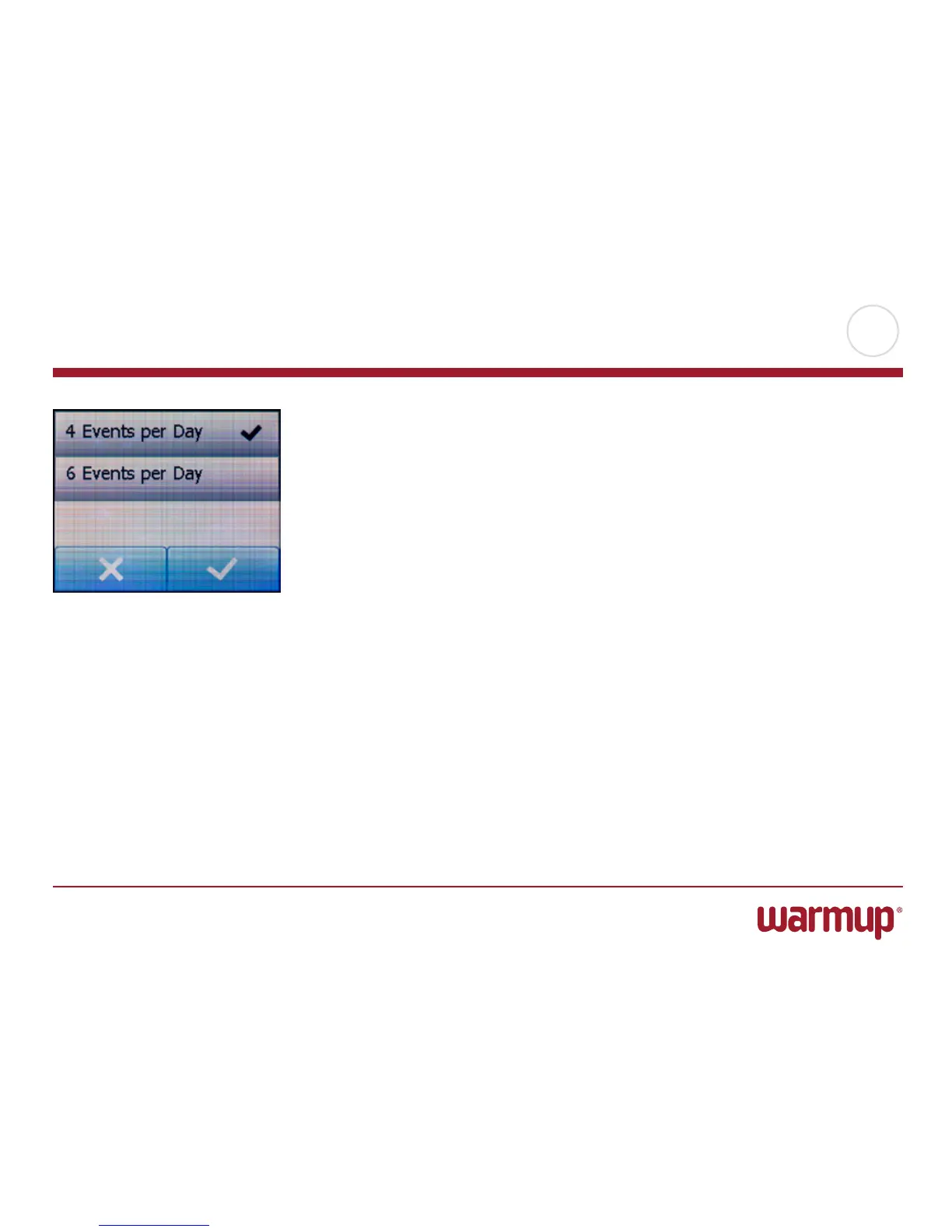
You can choose between a four or six event schedule.
Choose the setting that best fits your daily rhythm.
With a four event schedule, you can set four dierent events during work days and
two dierent events during home days.
– Perfect if your day is as follows: You get up in the morning, you go to work, you
return home and you go to sleep.
With a six event schedule, you can set six dierent events during work days and two
dierent events during home days.
– Perfect if your day is as follows: You get up in the morning, you go to work, you
return home for lunch, you go back to work, you return home and finally you go to
sleep.
1. Tap the “Menu” button on the home screen.
Then tap the “User Settings” button to access the various user settings.
2. Scroll down and tap the “Events” button.
3. Tap the event option you prefer.
Confirm your choice with “√” or discard it with “X”.
The thermostat will automatically return to “User Settings”.
Events



 To Next Page