PAGE 26
© 2014 OJ Electronics A/S
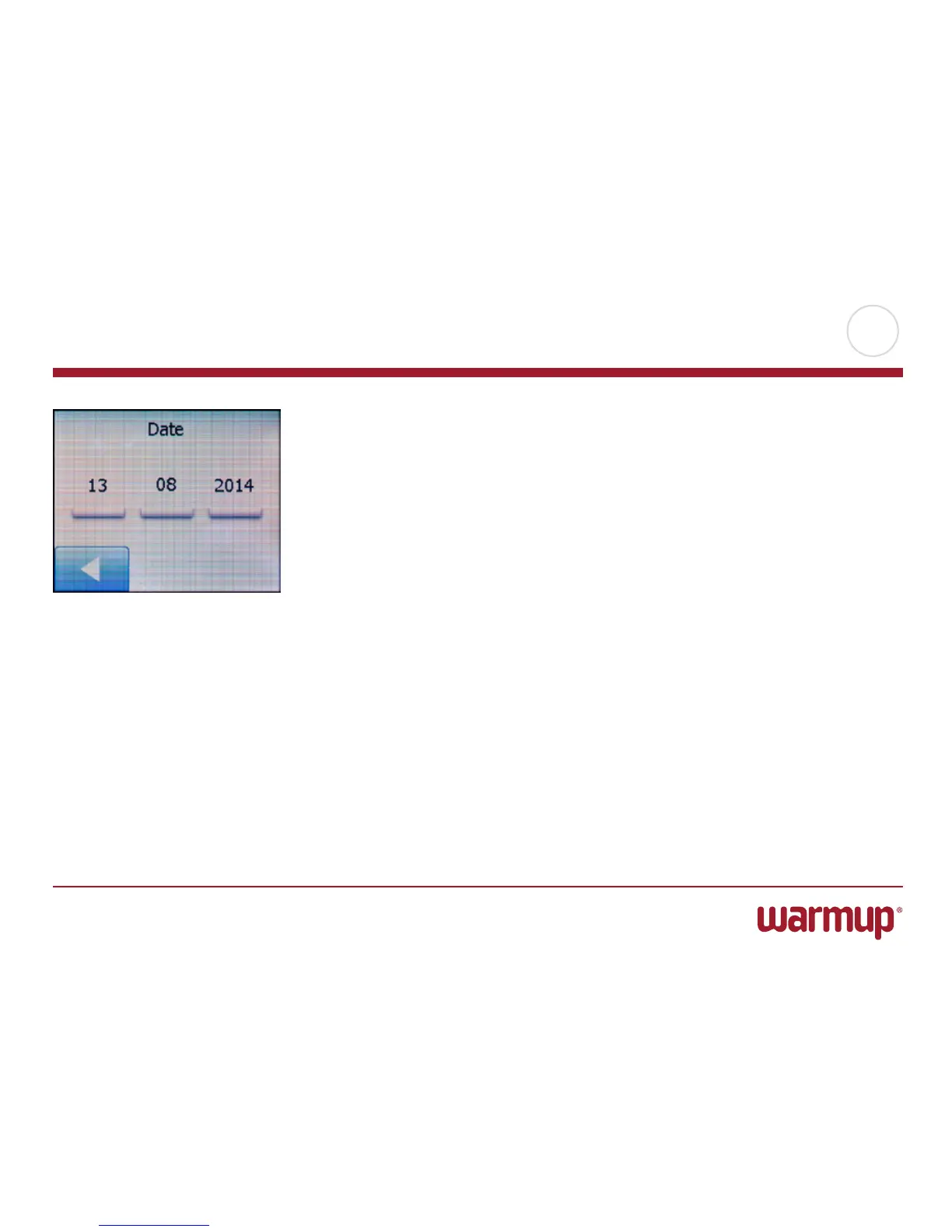
Date
This option allows you to change the date, which is sometimes shown on the home
screen and is used for functions such as “Vacation Mode” and “Daylight Saving
Time”).
1. Tap the “Menu” button on the home screen.
Then tap the “User Settings” button to access the various user settings.
2. Scroll down and tap the “Date” button.
3. Tap the parameter you want to change.
4. Tap the “Up Arrow” or “Down Arrow” button to set the day, month and year.
5. Confirm each setting with “OK”.
6. Tap the “LeftArrow” button to return to “User Settings”.



 To Next Page