June 28, 2016, 715003956 Rev. C
Page 50
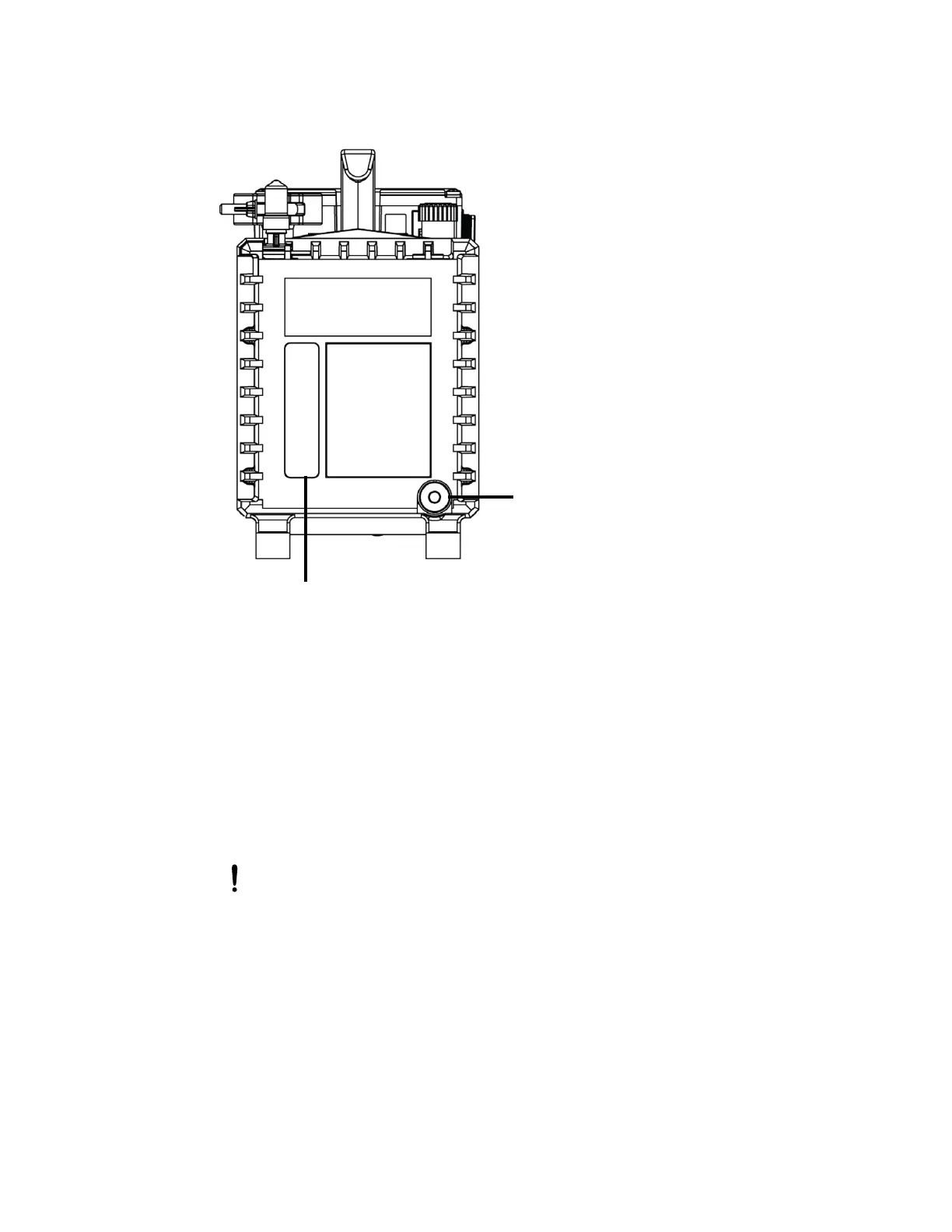
Figure 3–16: Backing-pump rear panel
6. Tilt the pump slightly, and catch the oil in a suitable container.
7. Dispose of the oil according to local environmental regulations.
8. Insert the oil-drain plug into the pump’s rear panel.
9. To flush the pump, pour 50-mL of fresh oil into the pump inlet, on the pump’s top side.
Tip: If you encounter difficulty, remove the separator.
10. Operate the pump briefly.
11. Drain the flushing oil into a suitable container.
12. If necessary, repeat steps 9 through 11 until all contaminants are removed.
13. Remove the oil-inlet plug, and pour fresh oil into the oil-inlet port until the level reaches the
sight glass’s “max” mark.
14. Insert the oil-drain plug into the pump’s rear panel.
Notice: Do not overfill the pump. That is, do not fill it beyond the “max” mark.
Oil level sight glass
Oil drain plug



 To Next Page