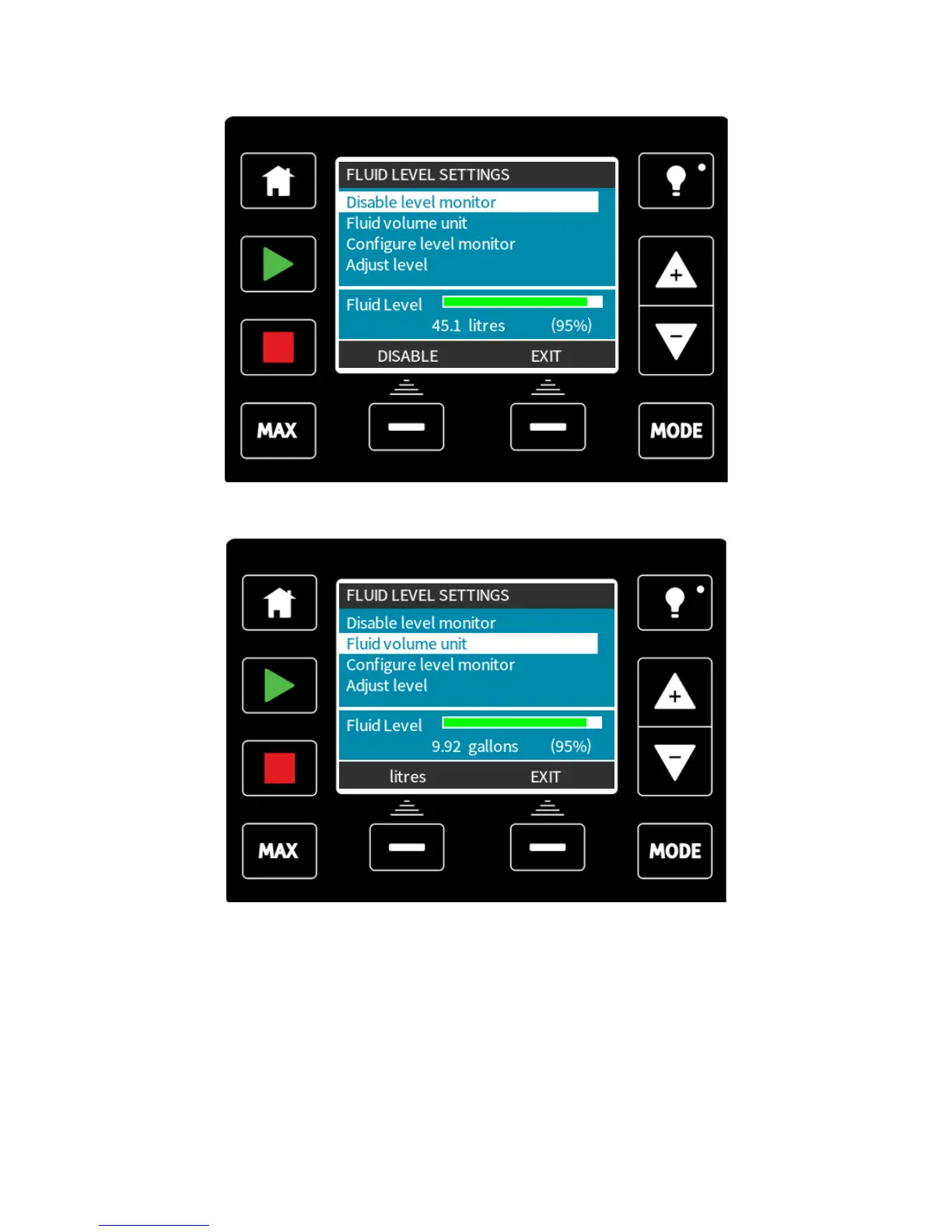
After pressing ENABLE, the pump will display the fluid level setup options.
If you press DISABLE the pump will deactivate the fluid level monitor. The fluid bar will no
longer appear on the HOME screens.
The fluid volume unit can be changed by pressing the US GALLONS or LITRES key, the
key name will change depending upon the unit selected.
To configure the level monitor, select this option from the menu.
m-qdos-en-02 86











 To Next Page