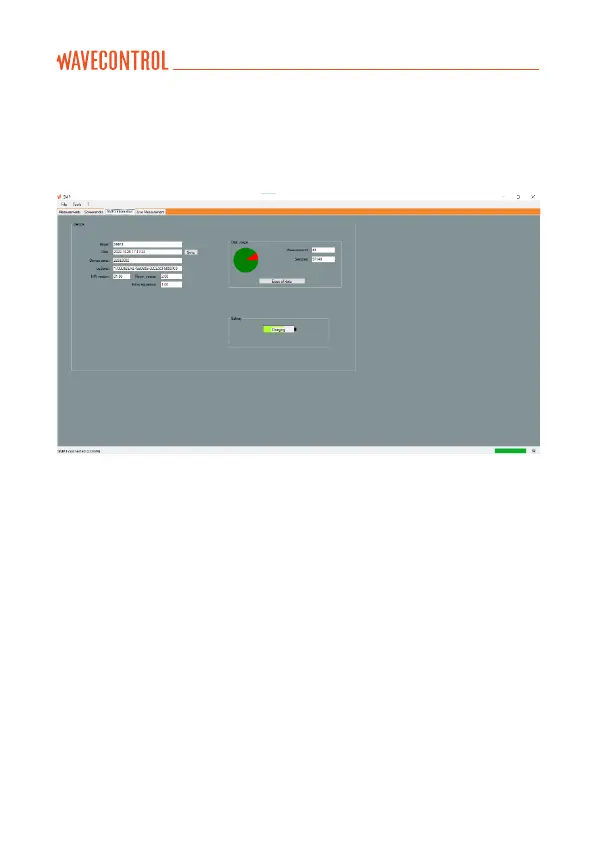
8.3.3. Information screen
This tab shows internal SMP3 information, such as the firmware version,
storage capacity, and so on.
Figure 11: SMP3 Reader software information screen
8.3.4. Exporting spreadsheets
On the measurements screen, you can click on “Export” to start
downloading and exporting to an Excel file. One or more files will be created
for each measurement, depending on your preferences.
The downloaded files use the Open XML format and so they can be opened with
Office (2007 or later), LibreOffice or OpenOffice (version 3.3 or later), for example.
On the menu “Tools” “Parameters” in the “Export” tab you can select
different options, including the type of report (page format or no format),
whether to export all the measurements to a single file or to a file for each
measurement, to export screenshots, to create a graph or to paste a
position map using the GPS coordinates.



 To Next Page