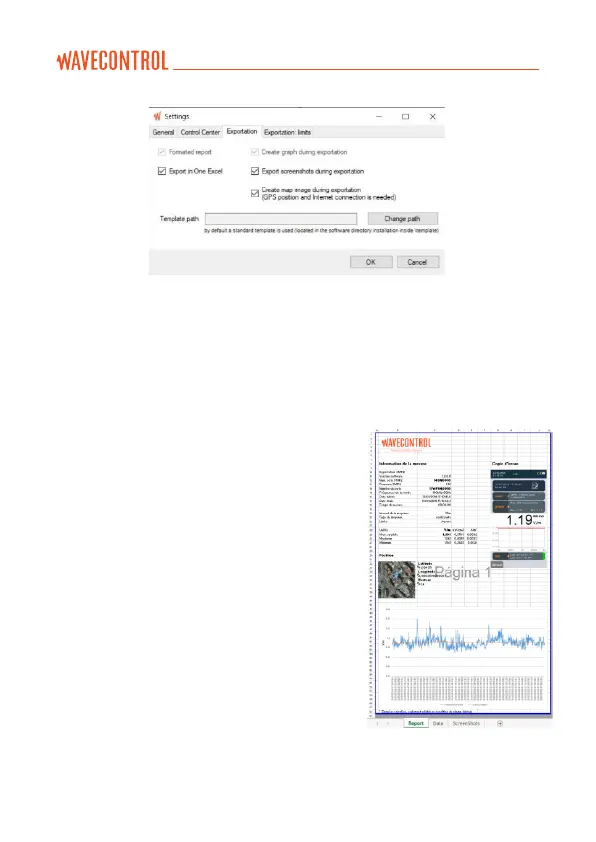
Figure 12: SMP3 Export parameters
In the exported report, the “Report” tab of the page format report shows the
main data of the measure, the associated graph, the GPS position with a
map, and the final screenshot (if any), depending on the configuration (see
figures 12 and 13).
The first lines show information on the
software, the device, the probe and the
measurement parameters.
The data for all the samples are found in the
“Data” tab.
If there are additional screenshots, they will
be saved in the “Screenshots” tab.
The template for this report is found in the
program installation file in the “Template”
directory (e.g. C:\Program Files (x86)\
Wavecontrol\SMP3 reader\template). It can
be copied to another folder and changed (e.g.
to change the logo). In this case you will need
to tell the program where to find it.
Figure 13: Example of export in
page format



 To Next Page