5
12
13
4
6 7
8
9
10
11
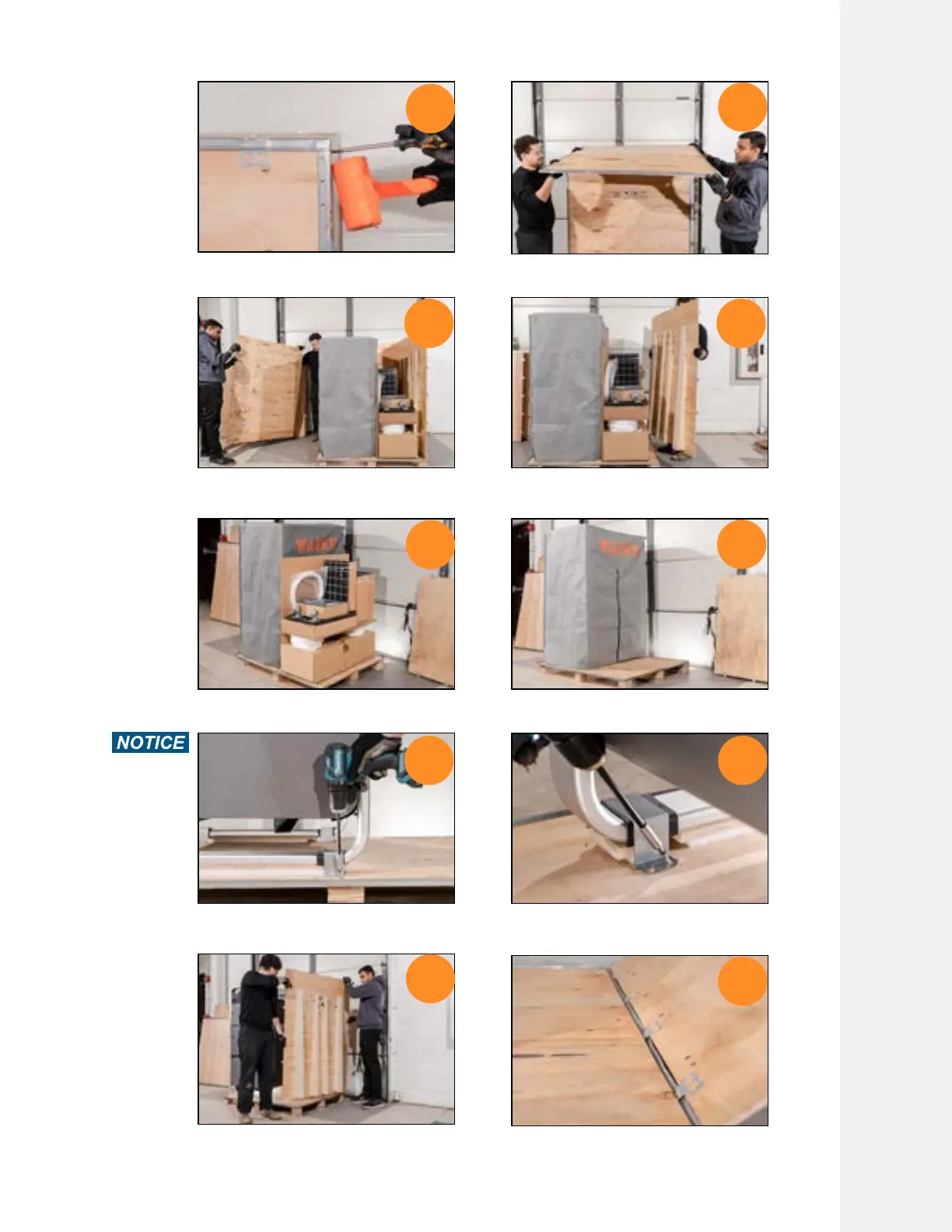
Use a hammer to knock the top panels
off from the metal tabs
Put on gloves and work as a team to
remove the top panel
Remove the side panels one by one Remove the ramp piece last. It is the
heaviest piece
Remove and keep account of the
accessories
Clean the space in front of the WAZER
Pro for next step
Use a T20 Torx screw driver to remove
the screws holding WAZER Pro
There are 4 screws holding one clamp,
and 4 clamps holding WAZER Pro.
Rotate the Ramp panel so the supports
are facing outside
The bent tabs should connect the ramp
and bottom base strongly
Setting Up WAZER Pro |
SECTION 4
29



 To Next Page