Perform a Final Check
A Cut can be costly. Take advantage of the Control Panel’s preview features to ensure that you positioned the
Material correctly.
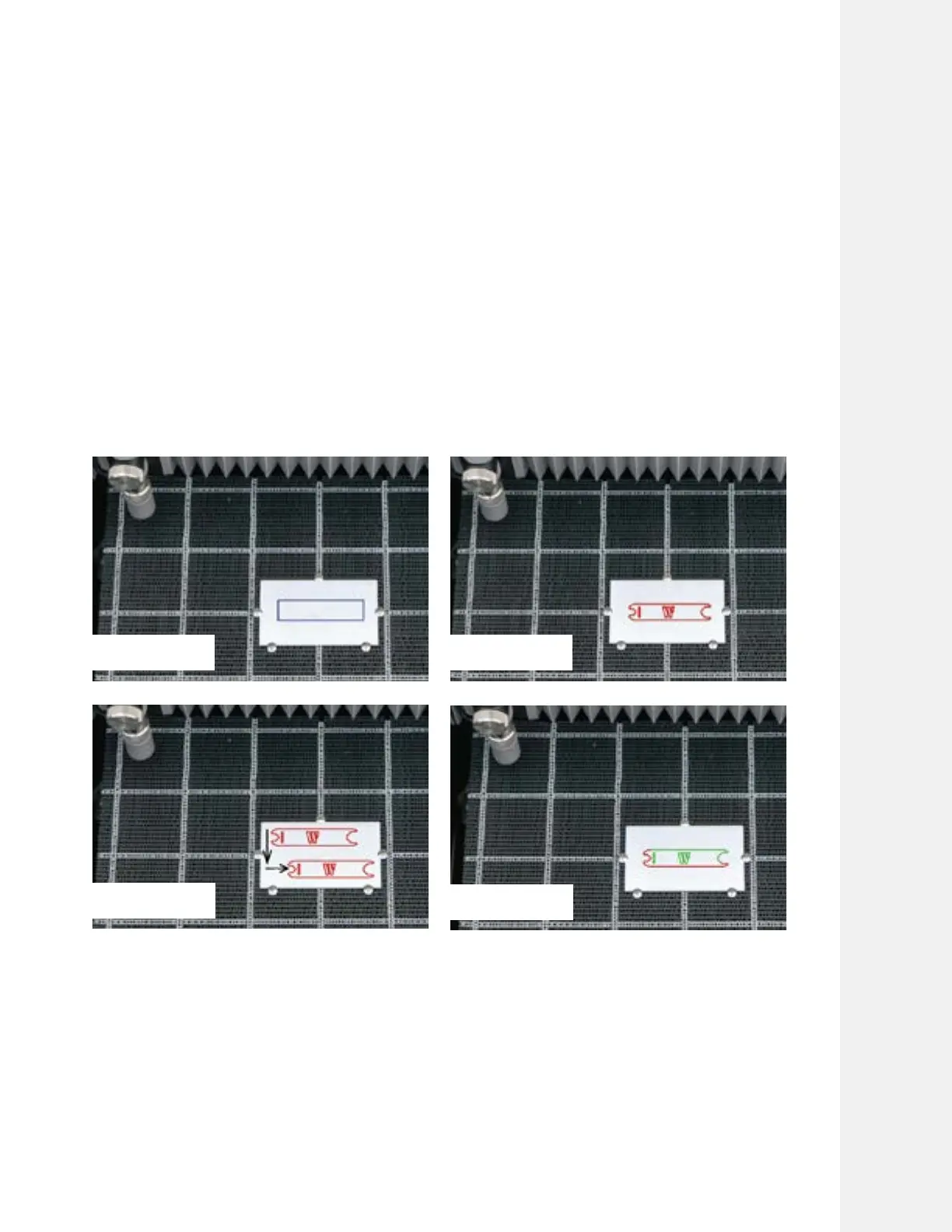
We highly recommend that you use one of these features before starting a Cut:
• Check Cut Extents: Select this feature and the Nozzle will trace a rectangle that will designate your Cut Extents
(essentially the smallest rectangle that fully encompasses your Cut). As it moves, make sure the center of the
Nozzle should never cross the edge of the Material.
• Dry Run: Select this feature and the Nozzle will trace the path of the entire Cut File without releasing water.
• Move origin: Select this feature, you can move the nozzle to a new starting location by pressing the arrow keys
Each press of the button moves the gantry by 10 mm.
• Restart Cut: When this option is selected, the nozzle moves along the cut path in dry run mode (without water
and abrasive). The user can visually see where the cut has failed and when the nozzle dry runs close to that
location, the user can restart cutting by pressing start.
Cutting With WAZER Pro |
SECTION 5
Check Cut Extent
Move Origin
Dry Run
Restart Cut
53



 To Next Page