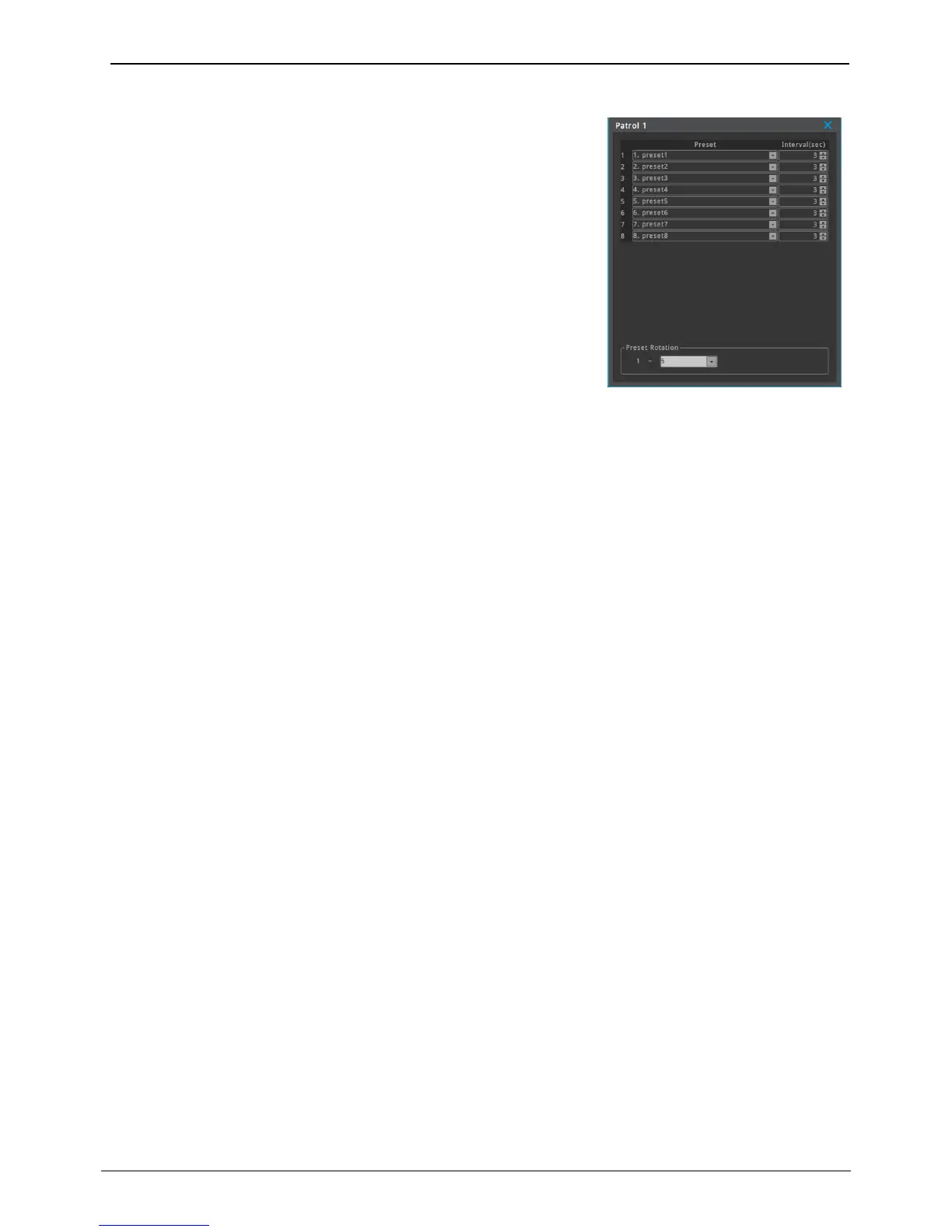
Patrol
NVR support 8 patrols. User can change configuration and the name of
patrol.
Preset: Patrol can have 8 presets. User can set the sequence of presets.
Interval(Sec): Set the interval of each preset. After interval time, PTZ is
moved to the next preset position. The range of interval time is 1 ~
255 sec.
Preset Rotation: Setting the number of preset to rotate. If you set "5",
patrol will be operated from number 1 to number 5.
<Note>
1. Interval time includes the moving time of PTZ device.
2. During patrol, the current patrol number is displayed on the right upper side.
Preset/Auxiliary Setting
Preview screen shows the video of IP camera and user can control PTZ with preview screen. Also, user can set
or confirm the Preset, Auxilliary and Patrol setting.
• Preset: Load the selected preset, save or delete preset
• Auxiliary: Turn on or off the selected AUX
Park
User can set time and action of Park. If there is no PTZ control during the set time, Action is perfomed. (Go to
Preset
x
)
Etc
This is not used menu.



 To Next Page