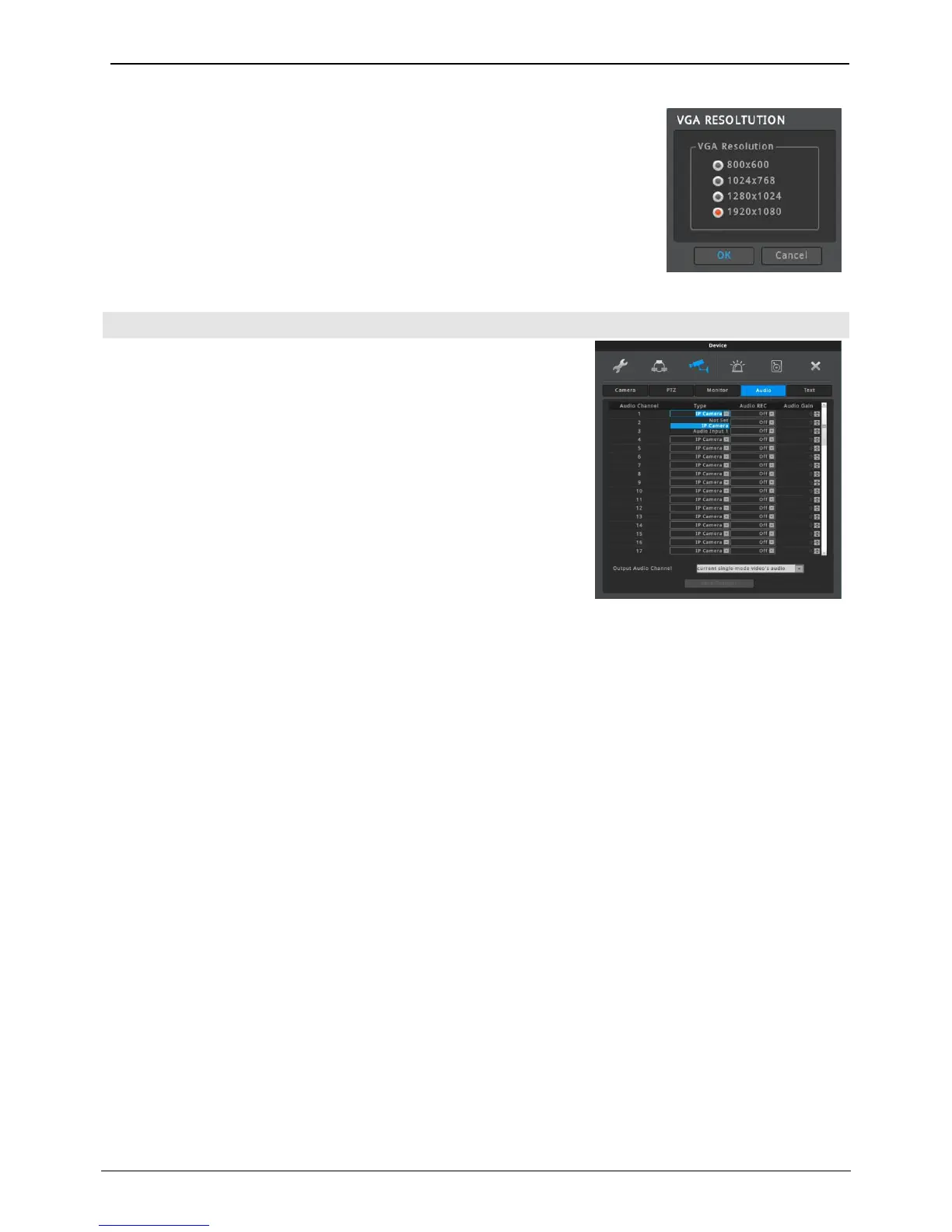
VGA RESOLUTION
Resolution of VGA port can be changed.
Selectable resolutions are 800x600, 1024x768, 1280x1024, 1920x1080, Please
reboot to apply new resolution.
Configure audio channel, audio recording, volume, synchronization,
mixing on this menu.
Audio Channel
The channel number which audio is output. (same with video
channel)
Type
User select the type of audio.
Not Set: no audio
IP Camera: IP Camera’s audio is used.
Audio Input 1: AUDIO IN in rear is used.
Audio REC
Select ON or OFF. If set “Off”, audio will not be recored and only
can be heard with live-video. If set “On”, audio will be recorded with
video. During playback, audio will be output.
<Note>
Audio Gain is available only when Audio Input1 is selected.
The audio gain of IP camera must be configured on IP camera’s
webpage.



 To Next Page