4
Keypad (HMI)
CFW-11 RB | 4-1
4 HMI
This chapter describes:
The operator keys and their functions.
The indications on the display.
Parameters organization.
4.1 INTEGRAL KEYPAD - HMI - CFW-11 RB
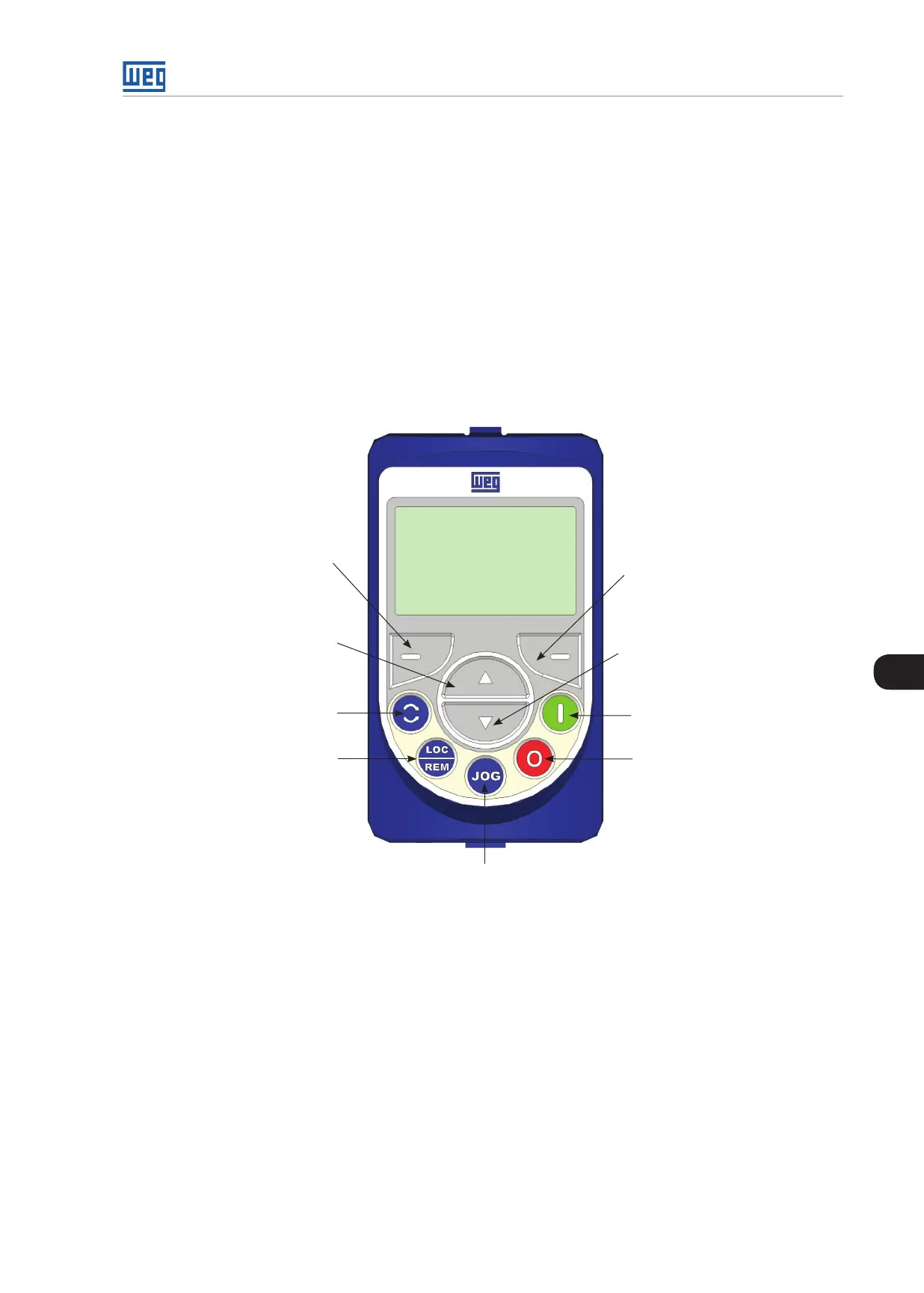
The integral keypad can be used to operate and program (view / edit all parameters) of the converter. The converter
keypad navigation is similar to the one used in cell phones and the parameters can be accessed in numerical
order or through groups (Menu).
Left soft key: press this key to
select the above highlighted
menu feature
1. Press this key to increase a
parameter value
2. Press this key to select the
previous group in the Parameter
Groups
No function
No function
No function
No function
No function
1. Press this key to decrease a
parameter value.
2. Press this key to select the next
group in the Parameter Groups.
Right soft key: press this key to
select the above highlighted menu
feature
Figure 4.1: Keypad keys



 To Next Page