Description of the PLC300 Operation
9-6 | PLC300
Example:
Variable type: BYTE (8 bit integer)
Table Count:
Table 9.1: Example of text for values of the variable
Index Value Text
1 0 “Sunday”
2 1 “Monday”
3 2 “Tuesday”
4 3 “Wednesday”
5 4 “Thursday”
6 5 “Friday”
7 6 “Saturday”
In this example, the PLC300 will show the texts, which are the days of the week, for variable
values between 0 and 6; if the content of the variable is out of these values, the proper
number will be shown.
NOTE!
A maximum of 12 outputs (output + message) can be placed on each screen.
9.1.8 Bar Graph Component: Bar Graph
It shows a bar built with block type characters, proportional to the value of a variable.
The allowed types are: SINT, USINT (BYTE), INT, UINT(WORD), DINT, UDINT(DWORD)
and REAL.
Properties of the bar graph: line(y), column (x), width, data type, maximum and minimum.
The width must be sufficient for the bar plus two delimiting characters,
‘[‘ and ‘]’.
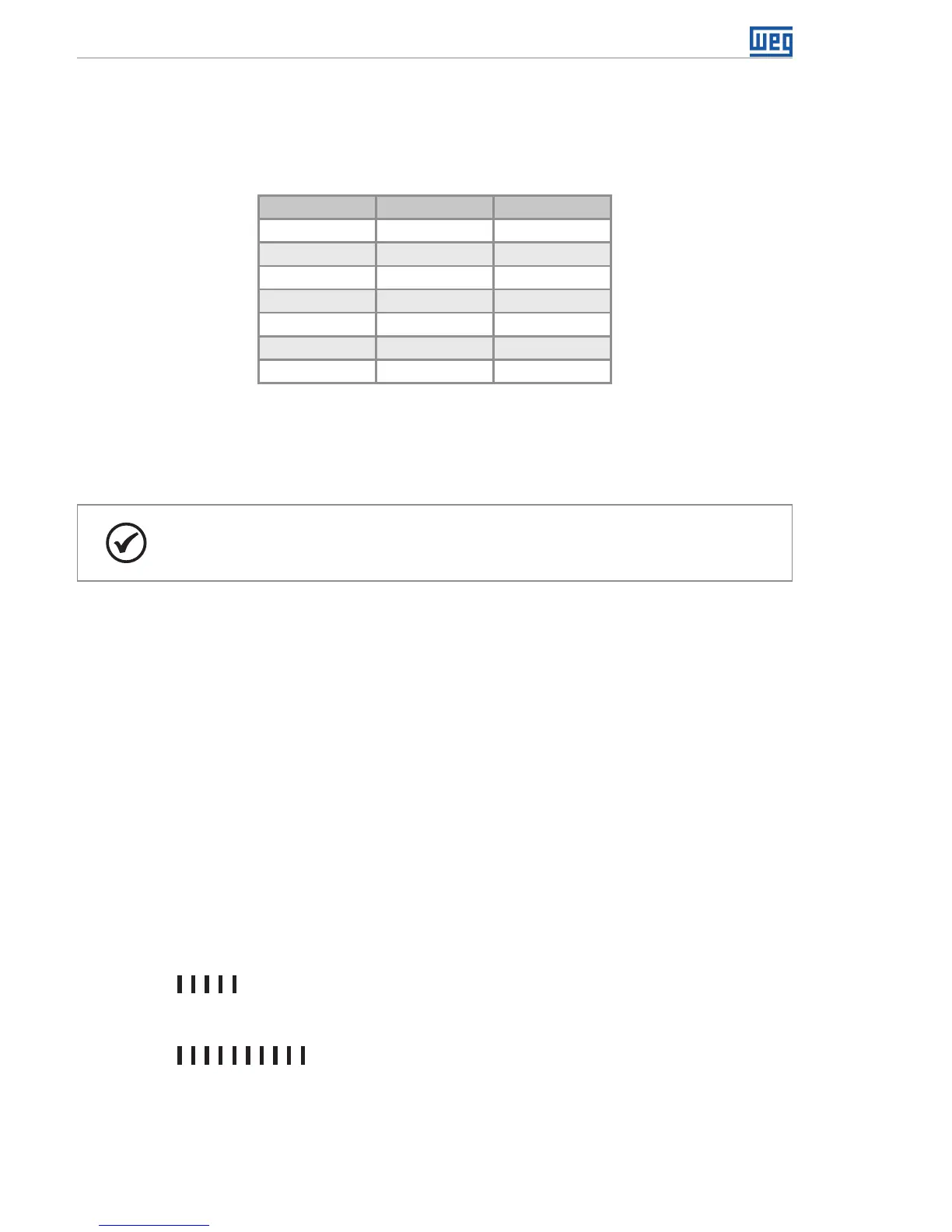
It corresponds to 0 %, that is, the minimum value:
Temp.:[........]
It corresponds to 50 % of the value between the minimum and maximum.
Temp.:[ ....]
It corresponds to 100 %, that is, the maximum value:
Temp.:[ ]
Note: “T e m p.:” is a Text component, it is not part of the bar graph.



 To Next Page