Symbol Name Explanation Photo
I
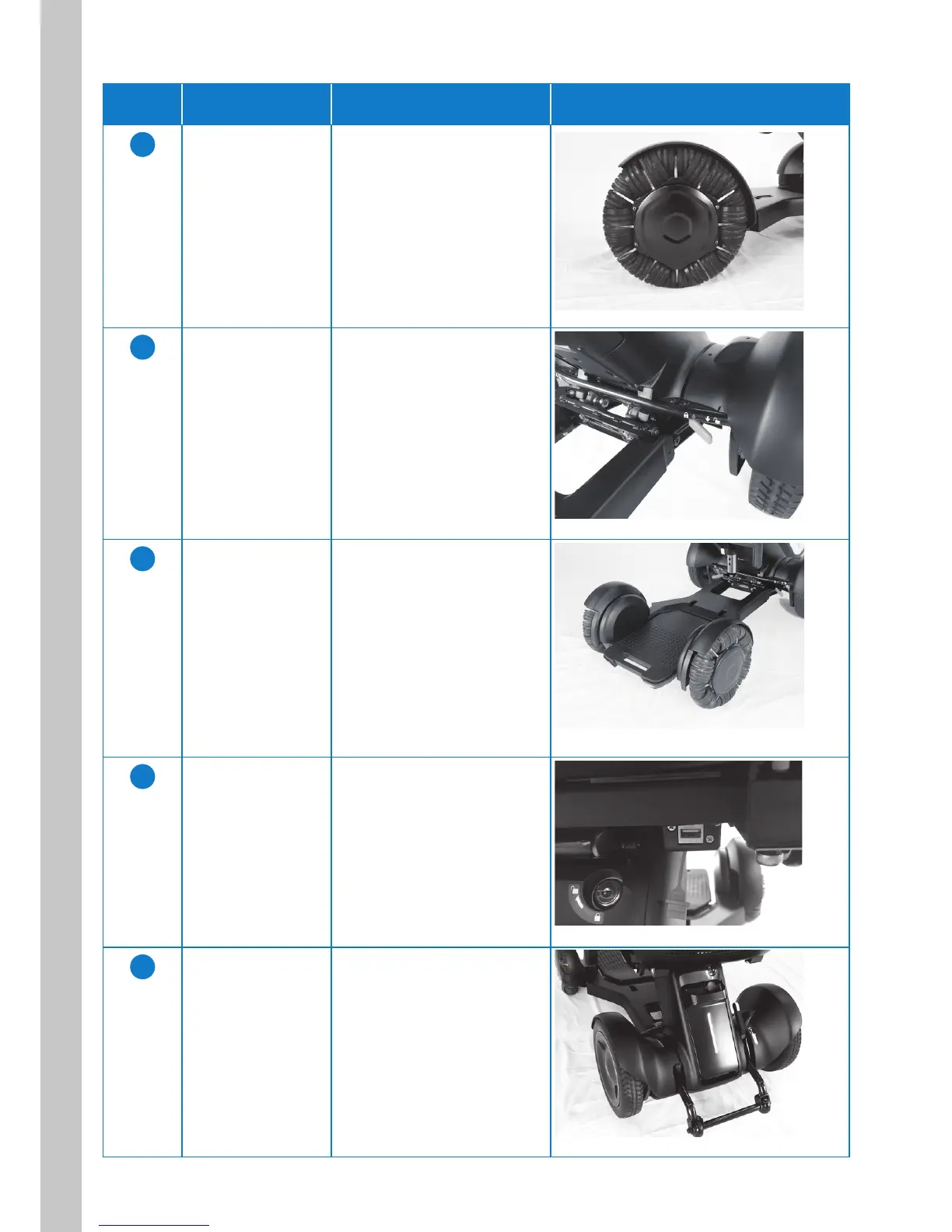
Front wheel
(Omni-wheel)
This is the device front wheel.
J
Brake release
levers
This lever is located near
each of the rear wheels below
the seat. There are two such
levers in total.
K
Foot rest This platform supports the
user’s feet when the user is
sitiing on the device.
L
USB port This is the port for connecting
the USB cable.
M
Rear tail light This is a red vertical LED light
located on the battery.



 To Next Page