NOTE: with the center right button it’s possible to delete all alarms in the history alarm list (DEL ALL)
The alarm can be related to a specific transmitter/receiver or general.
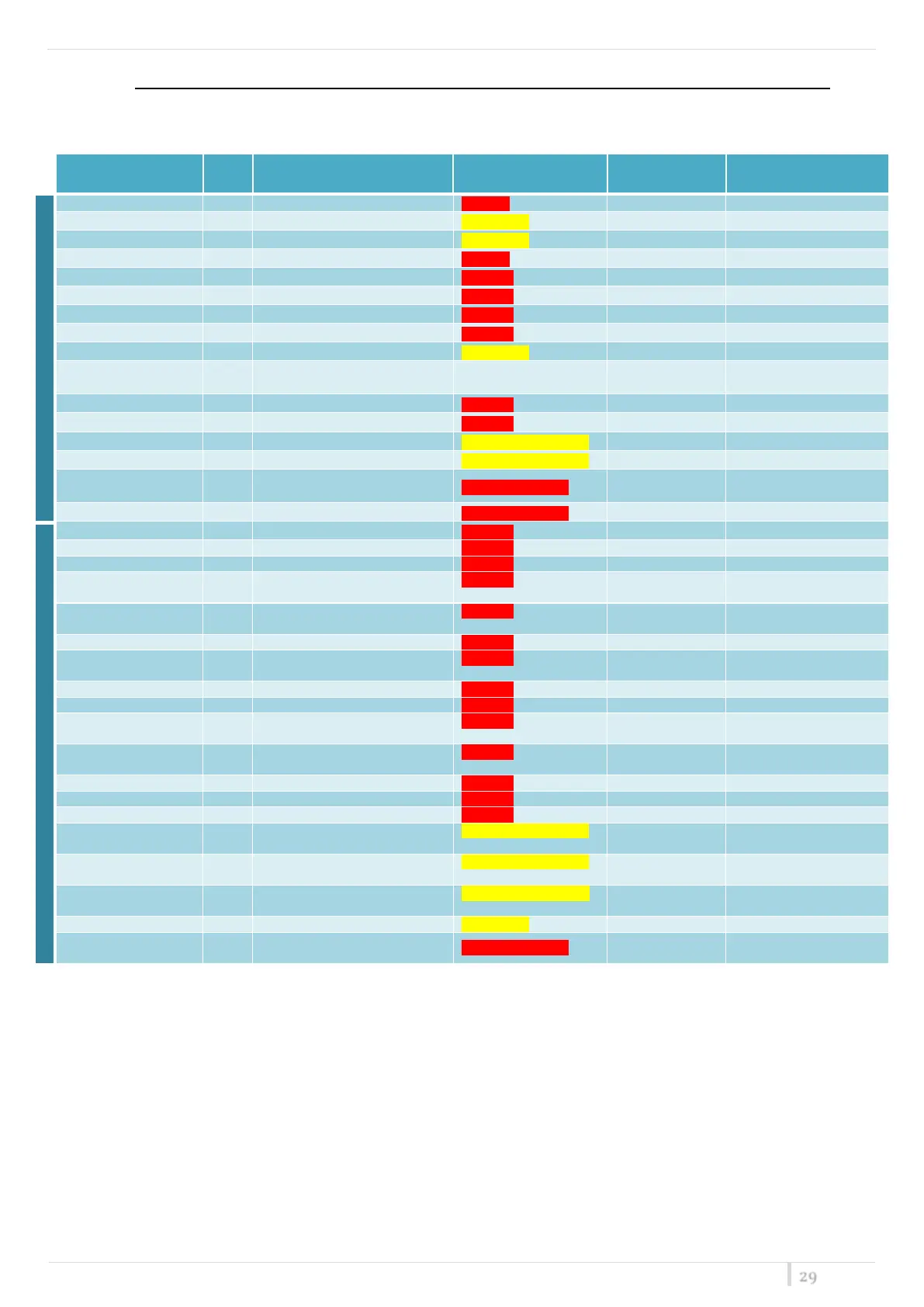
Shown below the complete alarms list:
Calibration data copy #1 invalid
Calibration data copy #2 invalid
Calibration data copies differ
Error updating calibration copy crc
cal copy crc update error
No links declared in calibration memory
"TEMP. ALARM"
RED SLOWLY BLINKING
Communication error on I2C bus #0
Communication error on I2C bus #1
Fan #1 does't work properly
Fan #2 does't work properly
Temperature sensor doesn't
communicate
Laser calibration data invalid
LINK__LASER_E2_INVALID_
COPY1
Laser calibration data copy 1 invalid
LINK__LASER_E2_INVALID_
COPY2
Laser calibration data copy 2 invalid
Laser calibration crc mismatch
LINK__LASER_E2_ERROR_U
PDATE_CRC
Laser calibration crc update error
RF filter invalid calibration data
LINK__RF_E2_INVALID_COP
Y1
RF filter calibration data copy #1 invalid
RF fil cal copy #1 inval.
LINK__RF_E2_INVALID_COP
Y2
RF filter calibration data copy #2 invalid
RF fil cal copy #2 inval.
RF filter calibration copies differ
ALARM: optical power lost
FAILSAFE FAST
BLINKING + *
ALARM: laser current out of range
FAILSAFE FAST
BLINKING + *
ATTENTION: booster over current
BOOSTER FAST
BLINKING + *
ATTENTION: laser life terminating
Temperature sensor doesn't
communicate
* In the "ALARM" column in the front panel, appears a blinking red LED in correspondence at the link on which the alarm is being


 To Next Page