Use
50 / 96 17.10.2019
5.3.5 Deleting measured results
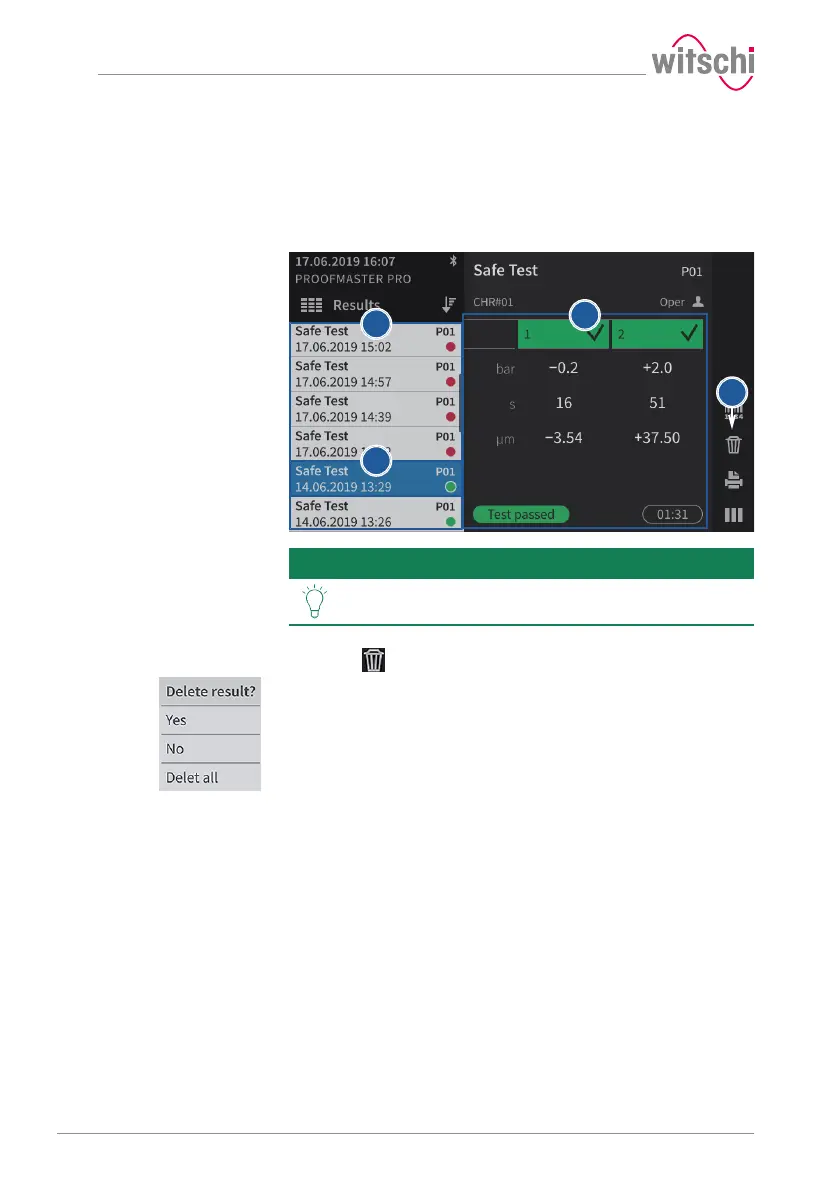
a) Call up a result that you want to delete.
ð See Access to results [}Page 48].
b) In the list, press the result that is to be deleted.
ð The result selected from the list is highlighted in blue.
Tip
It is possible to sort the measurement results.
See Sorting the results [}Page 49].
ð The results of the selected test are displayed 1.
c) Press to select the deletion type.
ð The selection window for the deletion type appears.
d) Press Yes to delete the selected result, No to cancel the deletion
and Delete all to delete all results of the ProofMaster.



 To Next Page