Settings
78 / 96 17.10.2019
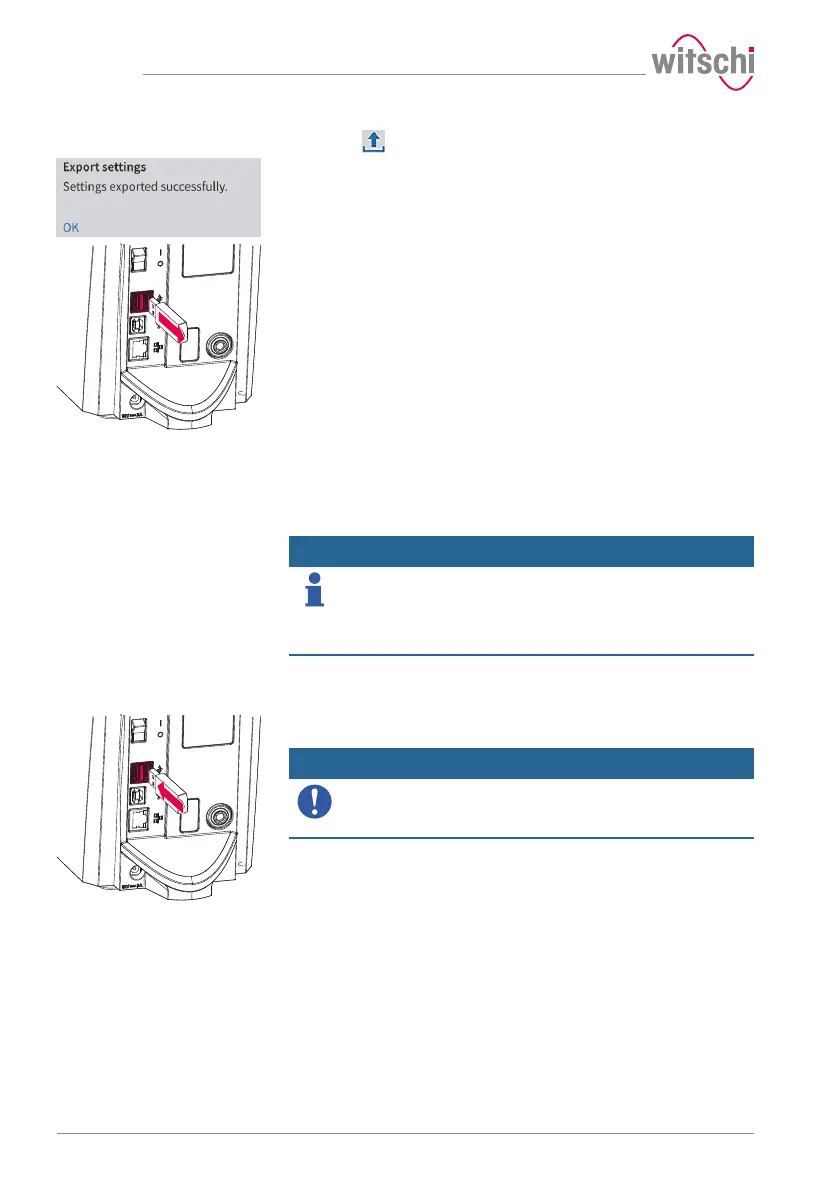
c) Press Export settings.
ð A window appears confirming the successful completion of
the settings export.
ð The settings of the ProofMaster were exported to the USB
stick in the config.json file.
d) Remove the USB stick.
7.5.2 Importing/exporting programs
The ProofMaster allows the import and export of programs within the
network or using a USB stick.
Importing/exporting pro-
grams over the network
Info
The import and export of programs over the network takes
place automatically.
The WiCoTRACE XML_Server software updates its database and the
programs of all connected ProofMaster devices whenever a change is
made to a connected device or database.
Importing/exporting pro-
grams via USB stick
Importing
a) Insert a USB stick with the programs into the ProofMaster.
Mandatory
The programs to be imported must be combined in a file
with the file name programs.json.
Otherwise the ProofMaster will not find the files to import.



 To Next Page