Use
17.10.2019 61 / 96
5.5.6 Viewing a program
Info
The basic programs cannot be edited.
The settings can only be viewed.
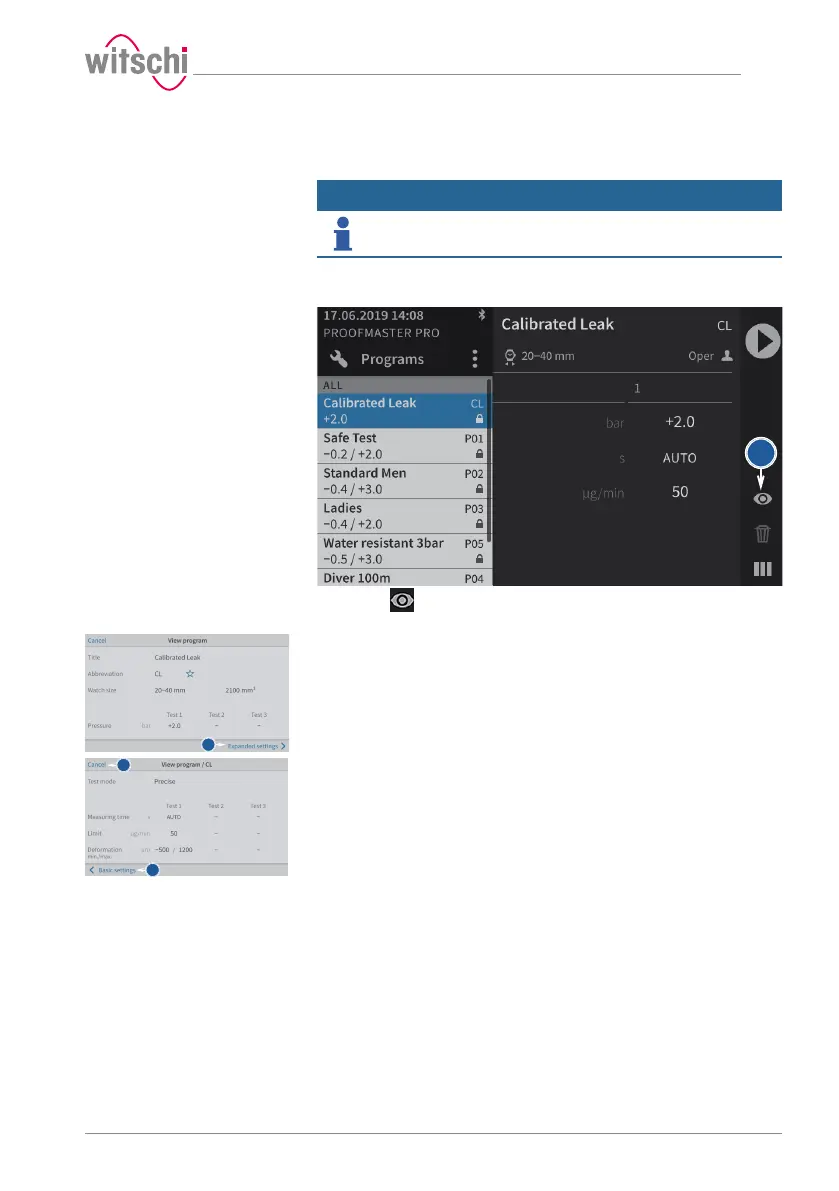
a) Select the basic program.
ð See Selecting the program [}Page 40].
b) Press to display the basic configuration settings of the
program.
c) Press Advanced parameters to display the advanced settings of
the program.
d) Press Basic settings to return to the basic settings of the program.
e) Press Cancel to exit the settings display.



 To Next Page