Settings
17.10.2019 75 / 96
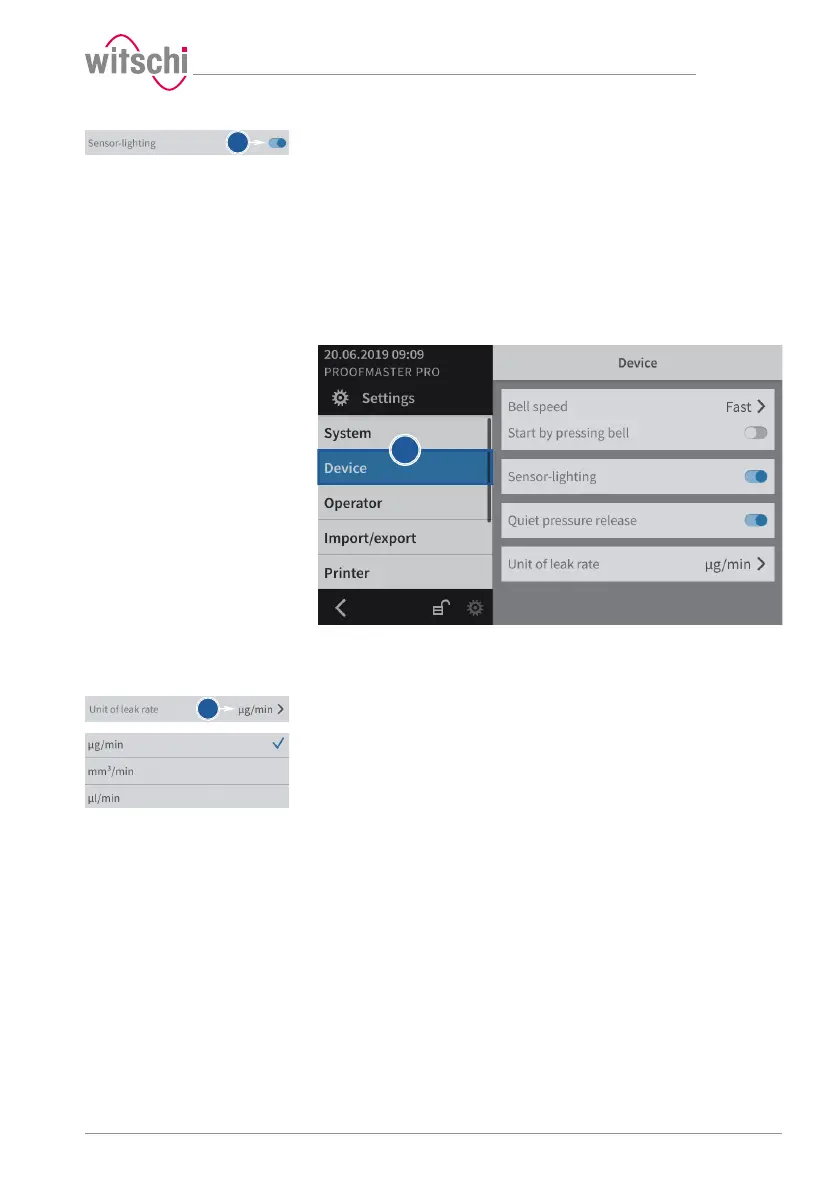
b) Enable or disable the sensor lighting.
ð The button is blue when the function is enabled and grey
when it is not.
7.4.3 Quiet pressure release
This setting allows the test pressure to be released more slowly from
the test chamber.
This reduces the noise emission but increases the test time.
7.4.4 Unit of leak rate
a) Select Device from the list.
ð Device is highlighted in blue and the right window displays
the device options.
b) Open the unit selection for the leak rate by tapping the current
selection.
c) Select the desired leak rate unit.



 To Next Page