Settings
68 / 96 17.10.2019
7.2 Settings
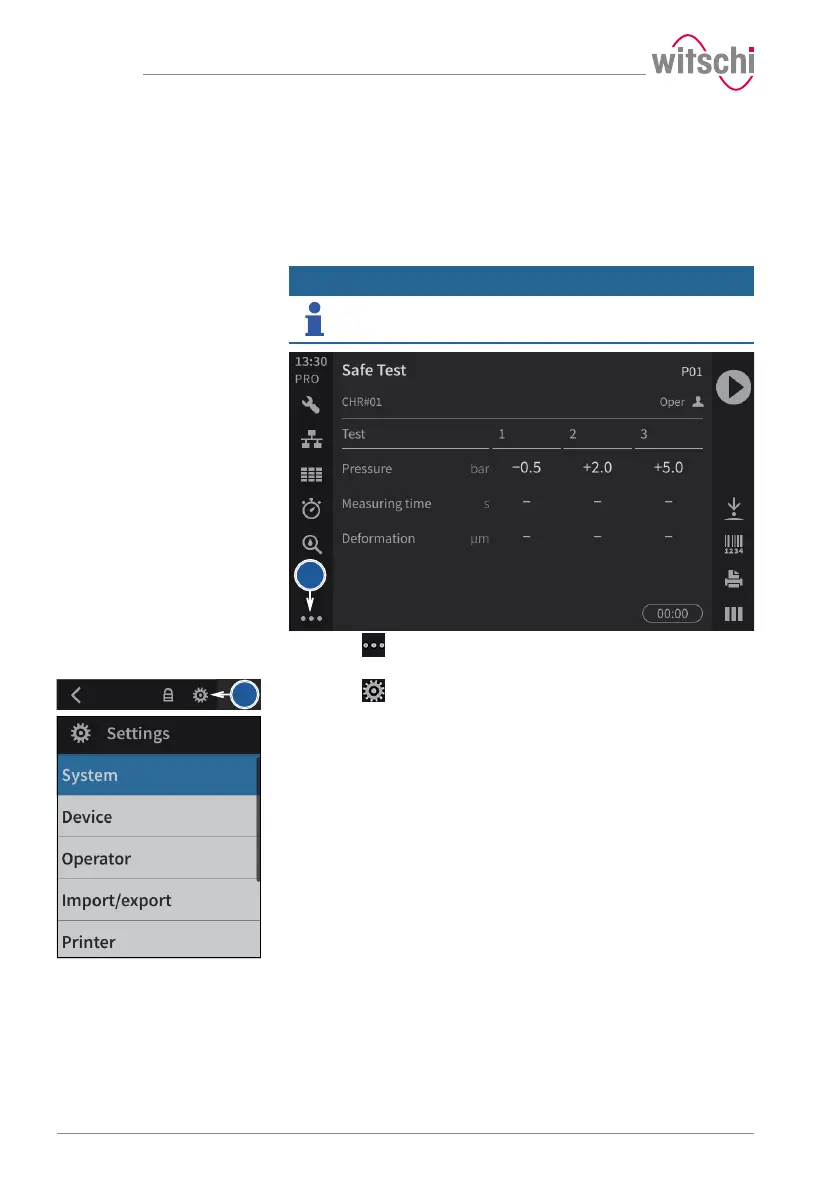
The settings of the ProofMaster can be changed in the settings. Proceed
as follows to recall the settings:
The ProofMaster offers quick access – see the Quick settings menu [}
Page 67] – and conventional access to the configuration menu settings.
Info
The functions of the keys are described in the Menus and
operating buttons [}Page 55] section.
a) Press (at the bottom left of the screen) to display the
expanded menu.
b) Press to access the configuration menus.
ð The configuration menus are displayed.



 To Next Page