Settings
84 / 96 17.10.2019
7.6.2 Configuring the label
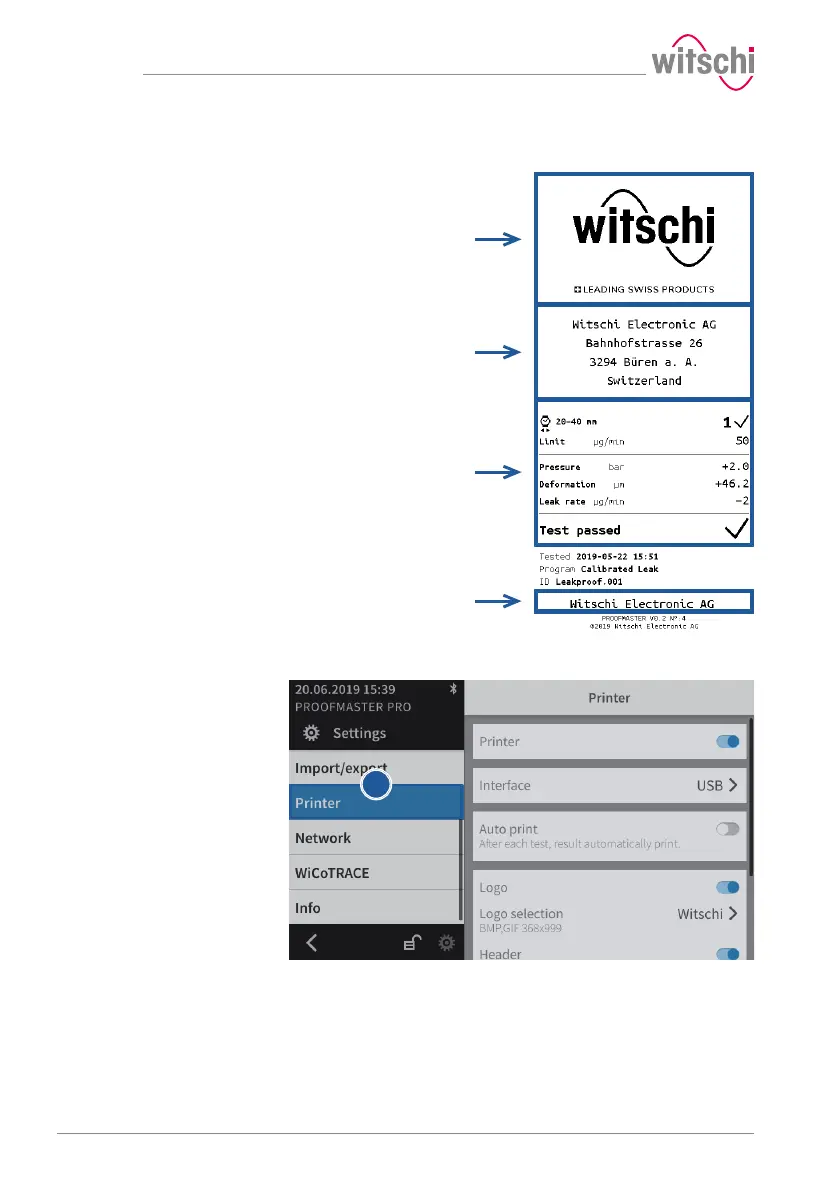
Configurable areas
The figure above shows the different configurable areas of the label.
ü Printer configured.
a) Select Printer from the list.
ð Printer is highlighted in blue and the right window displays
the printer options.
b) Configure the label as required.
ð See the details below for the settings of each option.



 To Next Page