EasyManua.ls Logo

Witschi ProofMaster - User Manual

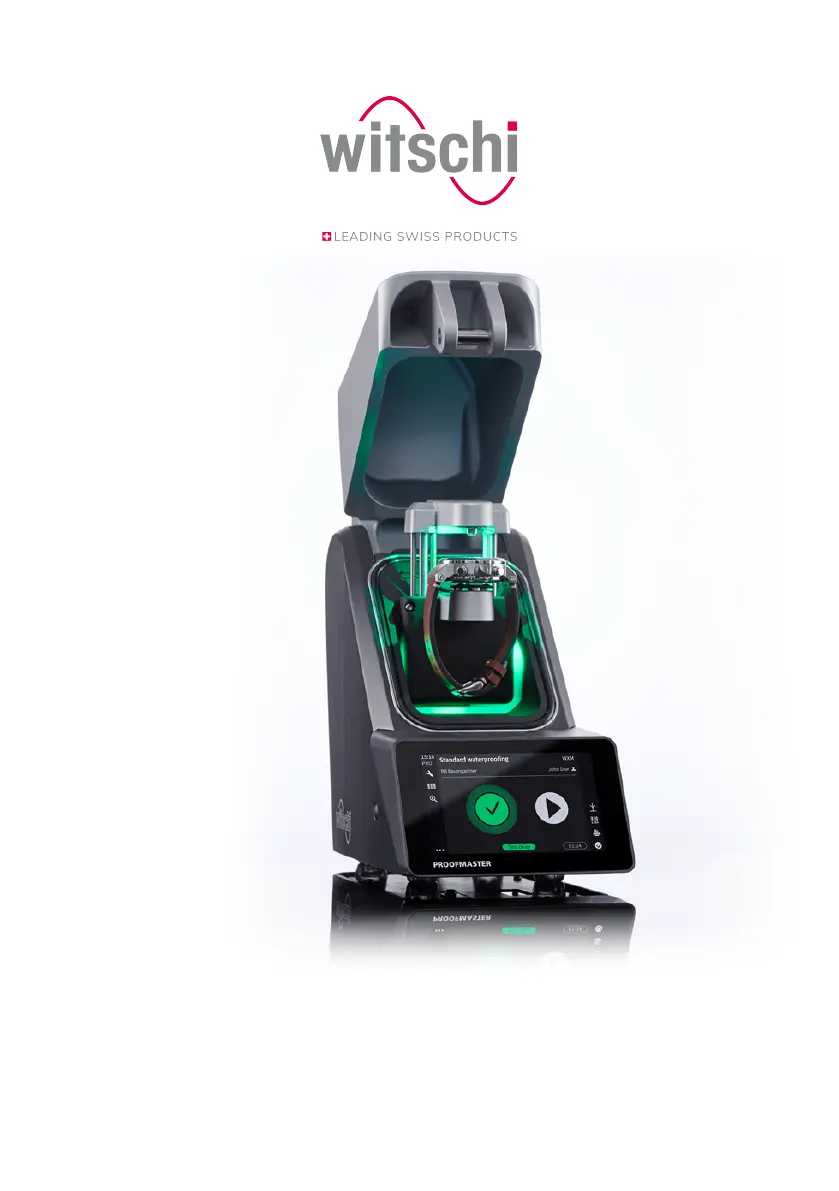
Witschi ProofMaster
113 pages
Print Icon
To Next Page IconTo Next Page
Loading...
®
ProofMaster
®
Operating instructions

Table of Contents

Other manuals for Witschi ProofMaster

Questions and Answers

  • K
    Karla CooperAug 19, 2025
    Why is there no inlet pressure in my Witschi ProofMaster Laboratory Equipment?
    • K
      kaylagrayAug 19, 2025
      The inlet pressure may be too low. In this case, check the compressor's output pressure. Also, the maximum vacuum that can be generated depends on the current air pressure (location, altitude above sea level). The output pressure must be at least 1 bar higher than the chosen test pressure.
  • B
    Barbara BrownAug 21, 2025
    What to do if WiCoTRACE (SMX service) error occurs in Witschi ProofMaster Laboratory Equipment: No response received from SMX service?
    • D
      Dana FullerAug 21, 2025
      If you're encountering a WiCoTRACE (SMX service) error indicating no response from the SMX service, the Ethernet cable might be defective or not correctly connected, so check the Ethernet cable. Also, the WICoTRACE configuration might not be set up correctly. Check if the SMX service is started correctly by WiCoTRACE and check the WiCoTRACE configuration.
  • M
    Mikayla WellsAug 23, 2025
    How to fix WiCoTRACE (SMX service) error in Witschi ProofMaster Laboratory Equipment when no connection to the SMX service could be established?
    • L
      Lawrence ZavalaAug 23, 2025
      If you're experiencing a WiCoTRACE (SMX service) error where no connection to the SMX service can be established, it might be due to a defective or incorrectly connected Ethernet cable. Check the Ethernet cable. It could also be that the WICoTRACE configuration is not set up correctly, so verify that the SMX service is started correctly by WiCoTRACE and check the WiCoTRACE configuration.
  • T
    Tiffany McdonaldAug 26, 2025
    Why am I getting incorrect test results from my Witschi ProofMaster?
    • V
      victoria90Aug 26, 2025
      Several factors can lead to incorrect test results. The watch may not be positioned correctly. Reposition the watch. Adhesive or protective foil on the watch case can also interfere, so remove any adhesive or protective foil. Also, the watch may not be at ambient temperature. Wait until the watch has warmed up or cooled down, then repeat the test.
  • K
    Krista HarrellAug 28, 2025
    What to do if the test chamber of my Witschi ProofMaster Laboratory Equipment cannot be opened or closed due to pressure?
    • O
      ochoachristopherAug 28, 2025
      If the bell cover is open, check whether the deformation sensor is correctly fitted. If the bell cover is closed, release the pressure manually and open the bell cover.
  • R
    Richard BrooksAug 30, 2025
    Why is my Witschi ProofMaster Laboratory Equipment not finding the printer?
    • J
      Jason DavisAug 30, 2025
      The printer may not be switched on. Check the printer and USB cable.
  • J
    Jessica CrossSep 1, 2025
    How to fix if test results are not being printed from Witschi ProofMaster Laboratory Equipment?
    • C
      Curtis MatthewsSep 1, 2025
      The issue may be caused by a lack of paper in the printer. Insert a new paper roll. It's also possible that automatic printing of test results is not enabled, so enable automatic printing of test results.
  • S
    scottmartinezSep 4, 2025
    What causes a communication error in Witschi Laboratory Equipment, and how do I fix it?
    • A
      Andrew MooreSep 4, 2025
      A communication error can occur if the deformation sensor was not correctly fitted. Check whether the deformation sensor has been correctly fitted.
  • L
    Laura AguilarSep 6, 2025
    Why does my Witschi ProofMaster show vibration detected and unreliable measurement results?
    • M
      Michael HillSep 6, 2025
      A vibration was detected during the test. To resolve this, install the test device at a suitable, vibration-free location.
  • J
    Joel LongSep 8, 2025
    What to do if Witschi ProofMaster says no test specimen detected?
    • K
      Kimberly AlvaradoSep 8, 2025
      If the device indicates that no test specimen was inserted, insert test specimen.

Summary

General Information

Technical Support

Information on obtaining technical support, device rating plate details, and customer service contacts.

Safety

Proper Use

Details the exclusive use of the ProofMaster for testing watch water resistance and adhering to specifications.

Safety Sign

Describes safety labels found on the device and power supply unit, including calibration stickers.

Description

Procedure of a Tightness Test

Outlines the step-by-step process for performing a tightness test on a watch.

Use

Safety During Use

Covers safety aspects specific to operating the ProofMaster, including risks from cracked glass and compressed air.

Basic Operation

Guides users through the fundamental operations of the ProofMaster, starting with powering it on.

Programming a Quick Test

Guides users through setting up and programming a quick test sequence.

Starting the Test

Provides step-by-step instructions on how to select a program and start a test.

LeakFinder (ProofMaster PRO)

Explains how to use the LeakFinder program to locate leaks.

Maintenance

Safety During Maintenance

Outlines safety precautions to be observed during maintenance procedures.

Settings

User Management (ProofMaster PRO)

Manages user access modes (administrator/user) and related functions.

Import;Export Settings

Allows importing and exporting device settings and programs via USB.

Troubleshooting

Error Messages

Guidance on diagnosing and resolving common error messages and their causes.

Malfunctions

Lists common malfunctions, their causes, and solutions for incorrect test results.

Emergency Bell Cover Opening

Instructions for emergency manual opening of the bell cover.

Decommissioning and Disposal

Witschi ProofMaster Specifications

General IconGeneral
BrandWitschi
ModelProofMaster
CategoryLaboratory Equipment
LanguageEnglish