Description
32 / 112 28.03.2022
4.4 Optional accessories
Thermal printer
The test results can be printed out on the thermal printer. The thermal
printer can be connected directly to the ProofMaster via the USB cable
typeA–B or the USB Bluetooth adapter. See Thermal printer
[}Page26].
Tip
Witschi Electronic AG provides the following components:
Thermal printer, item no. JB01-SLK-TE25-S.
Bluetooth adapter, item no. 95.1510.
• For further information, please contact a point of sale.
WiCoTRACE 3 software
With the WiCoTRACE 3 software, any ProofMaster connected to a
network can be synchronised via a PC. In the software, all programs for
the devices are combined and all measurement results from the
connected devices are stored in the WiCoTRACE database. With the
Universal Editor, programs can be created globally and used on any
connected ProofMaster. Connecting to WiCoTRACE, see WiCoTRACE
[}Page101].
Tip
The WiCoTRACE 3 LITE software can be downloaded free
of charge.
www.witschi.com
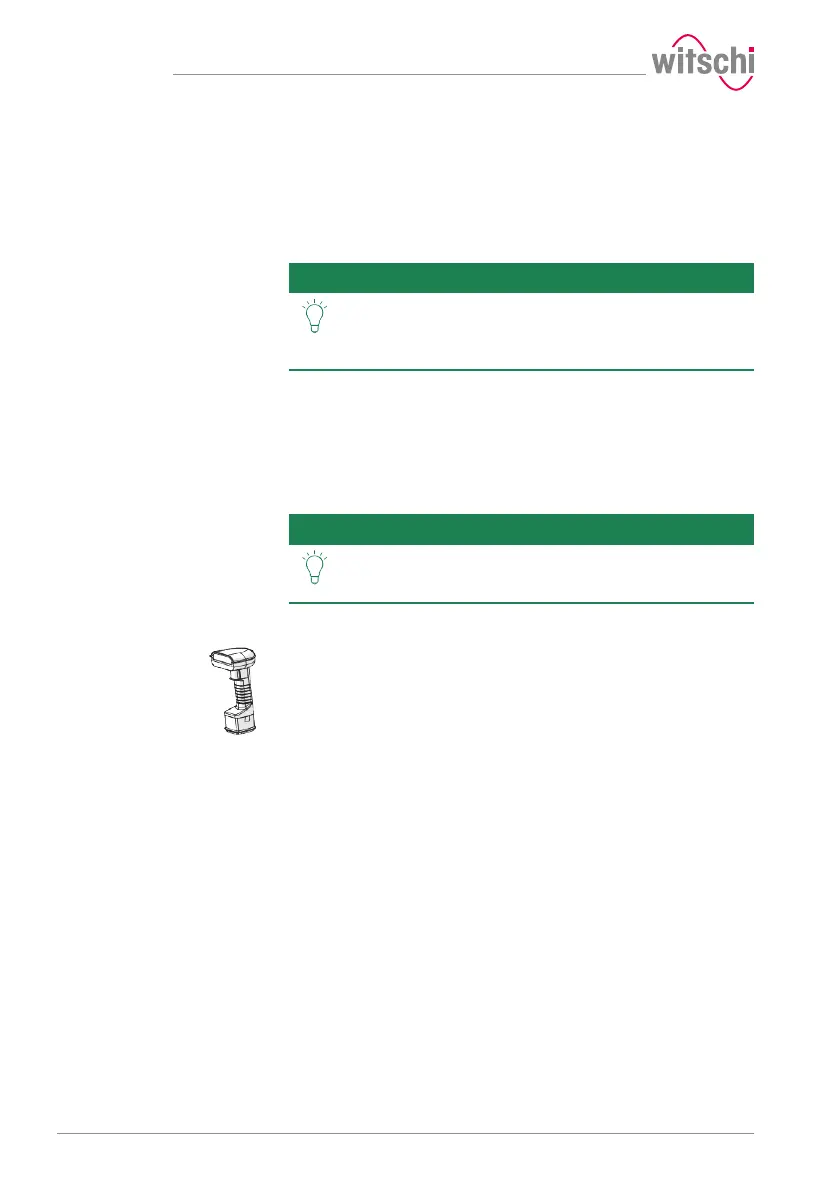
Bar code reader
The bar code reader can be used in conjunction with the WiCoTRACE
software. The software can be used to create bar codes or QR codes for
the various production orders. When the operator then scans a bar
code or QR code, the program and the identification codes are
automatically loaded into the ProofMaster.
For further details regarding the use of QR codes, see WiCoTRACE
handbook, server database.



 To Next Page