Settings
28.03.2022 79 / 112
Screen
saver
Supported
formats
Optimum
resolution
Description
Videos MP4 800x480 Videos in another aspect ratio are displayed with a black bar. It may not
be possible to play high-resolution videos.
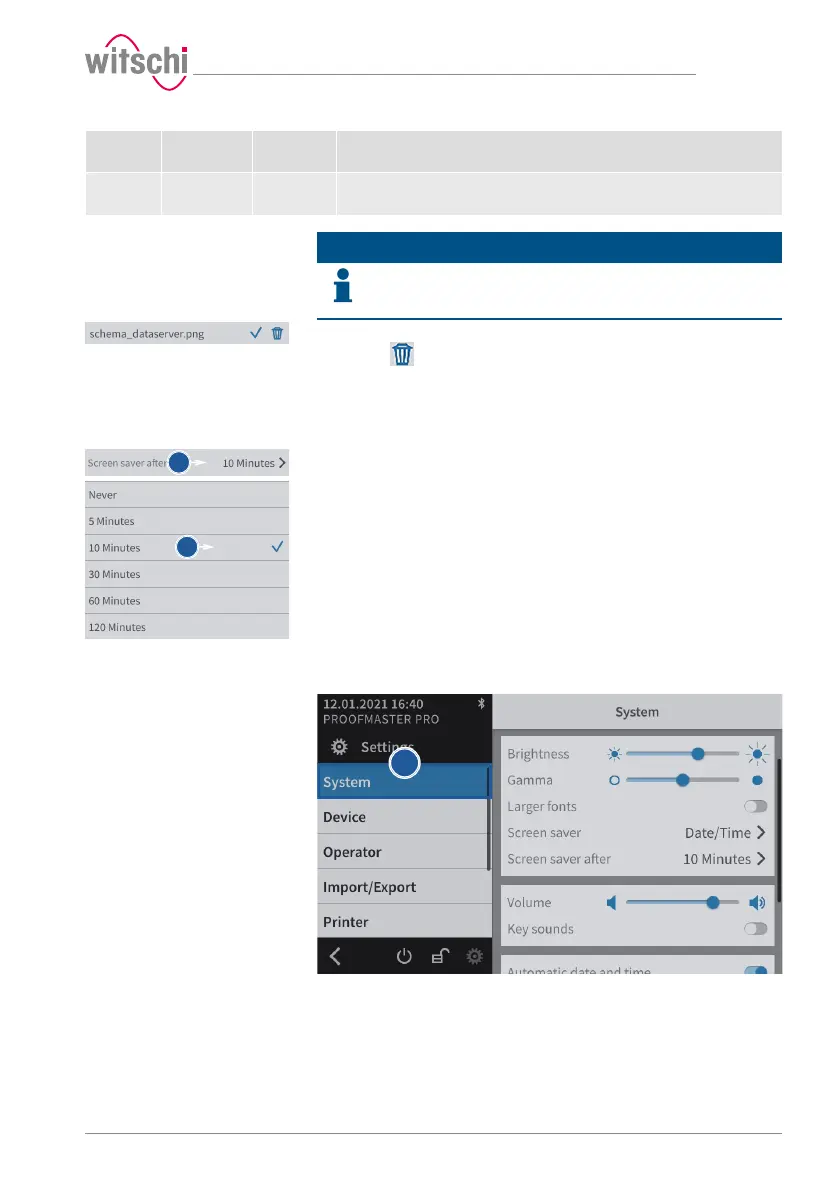
Deleting a screen saver
Info
Only imported screen savers can be deleted.
The black screen saver and the screen saver with date and time are
system configurations.
a) Select the imported screen saver to be deleted.
b) Press to delete the desired imported screen saver.
Enabling automatic
standby of the
ProofMaster.
a) Enable or disable the screen saver display.
b) Select the desired time.
7.3.3 Display and audio settings
a) Select System from the list.
ð System is highlighted in blue and the right window displays
the system options.
b) Configure the display and audio settings as needed.
ð See the details below for the settings of each option.



 To Next Page