Use
28.03.2022 53 / 112
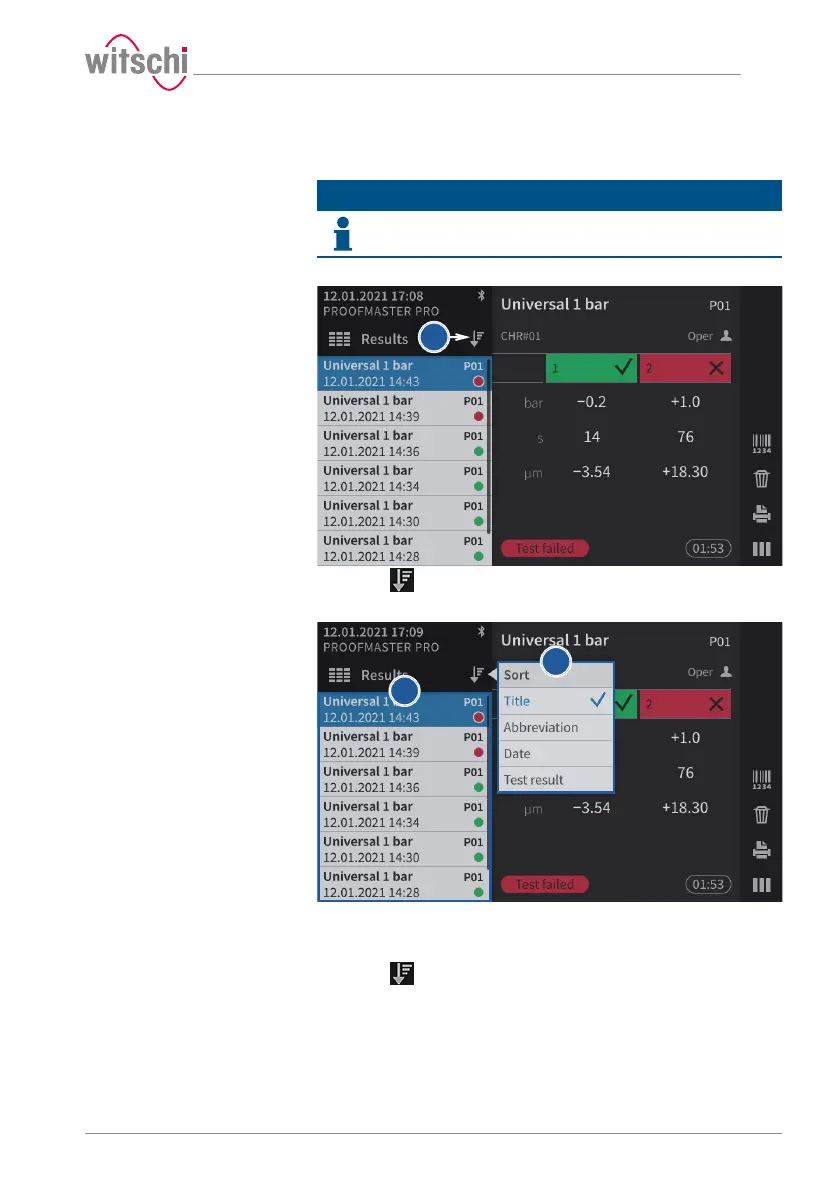
5.3.4 Sorting results (ProofMaster PRO)
Info
This function is available in the ProofMaster PRO software
version.
ü Display in the Results menu.
a) Press to select the sort type.
ð The selection window for the sort type appears.
b) Press the desired sort type in the list (in the above example, Title).
ð The results are sorted according to the selection of the
sorting (in the above example, Title).
c) Press to close the sort type selection window.



 To Next Page