Settings
86 / 112 28.03.2022
7.5 User management (ProofMaster PRO)
Info
This function is available in the ProofMaster PRO software
version.
7.5.1 Administrator and user modes
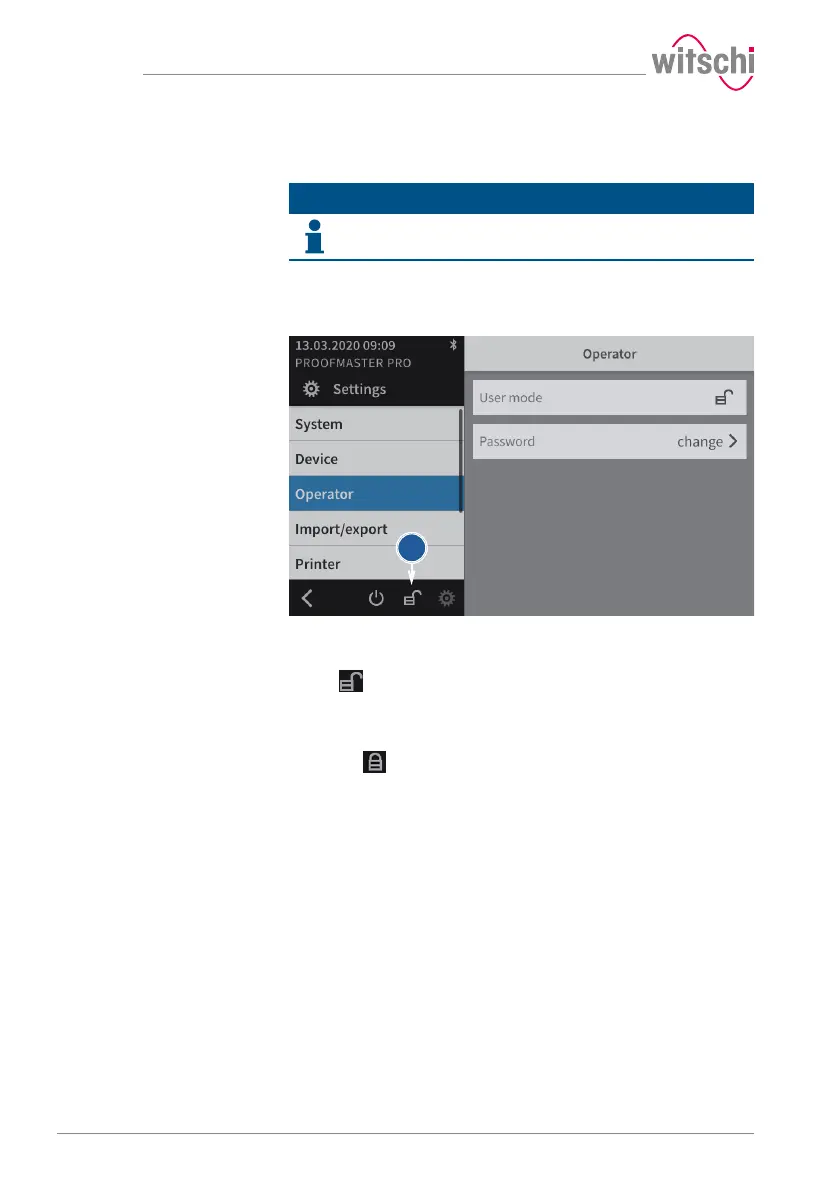
The device has two modes, administrator mode and user mode.
Administrator mode
Administrator mode enables access to all device settings, and the
symbol (1) is displayed on the screen.
User mode
User mode deactivates or removes the following functions/settings, and
the symbol (1) is displayed on the screen.
Programs menu
• Creating a new program
• Editing a program
• Deleting a program
Result menu
• Deleting results
Settings menu
• Device
• Import/export
• Printer
• Network
• WiCoTRACE
• Locking time settings on the system



 To Next Page