Settings
100 / 112 28.03.2022
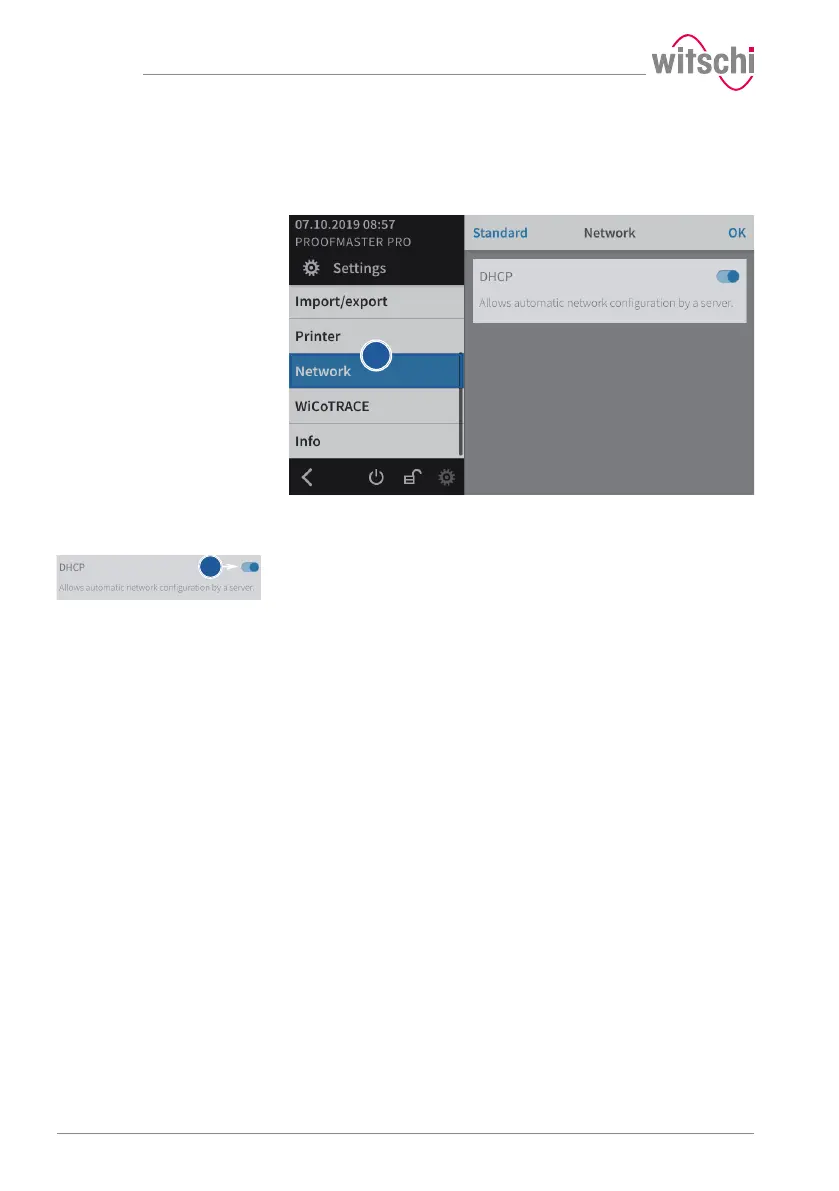
7.8 Network
The connection option allows automatic configuration of the
ProofMaster with the help of a server.
a) Select Network from the list.
ð Network is highlighted in blue and the right window displays
the network options.
b) Enable or disable the network.
ð The button is blue when the function is enabled and grey
when it is not.



 To Next Page