Use
28.03.2022 59 / 112
5.5 Programming
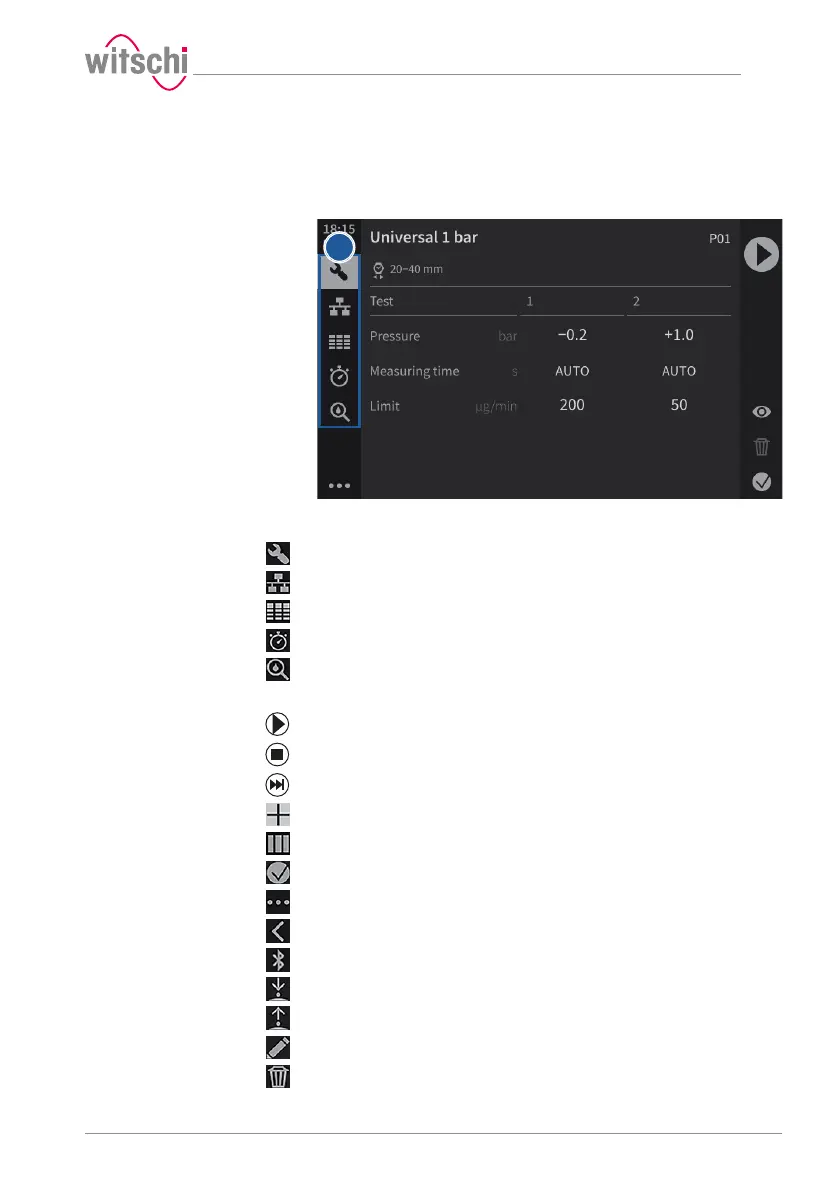
5.5.1 Menus and operating buttons
The various function menus can be accessed by pressing the
corresponding button1:
Programs menu
WiCo menu (appears only when WiCoTRACE is enabled)
Results menu (ProofMaster PRO)
Quick Select menu
Leak test menu (ProofMaster PRO)
Functions of the buttons
Start a test sequence
Stop a test sequence
End the countdown
Creating a user program (ProofMaster PRO)
Numerical display
Reduced display
Expand the menus
Reduce the menus
Bluetooth connection
Lower the sensor
Lift the sensor
Editing a program (ProofMaster PRO)
Deleting (ProofMaster PRO)



 To Next Page