Settings
17.10.2019 73 / 96
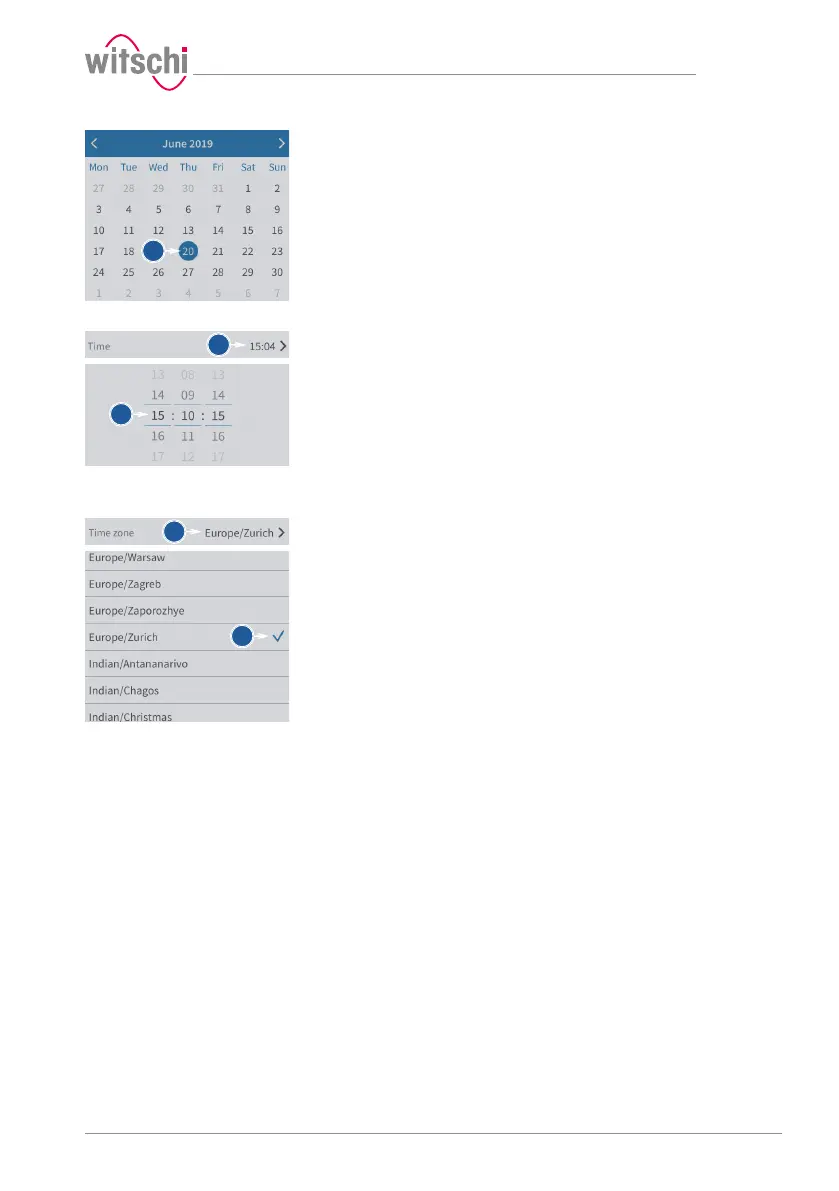
b) Select the desired date in the calendar.
Setting the time manually
ü The automatic setting of the date and time is disabled.
a) Open the time selection by tapping the displayed time.
b) Select the desired time.
Setting the time zone
manually
ü The automatic setting of the date and time is disabled.
a) Open the time zone selection by tapping the displayed time zone.
b) Select the desired time zone.



 To Next Page