Appearance Additional information
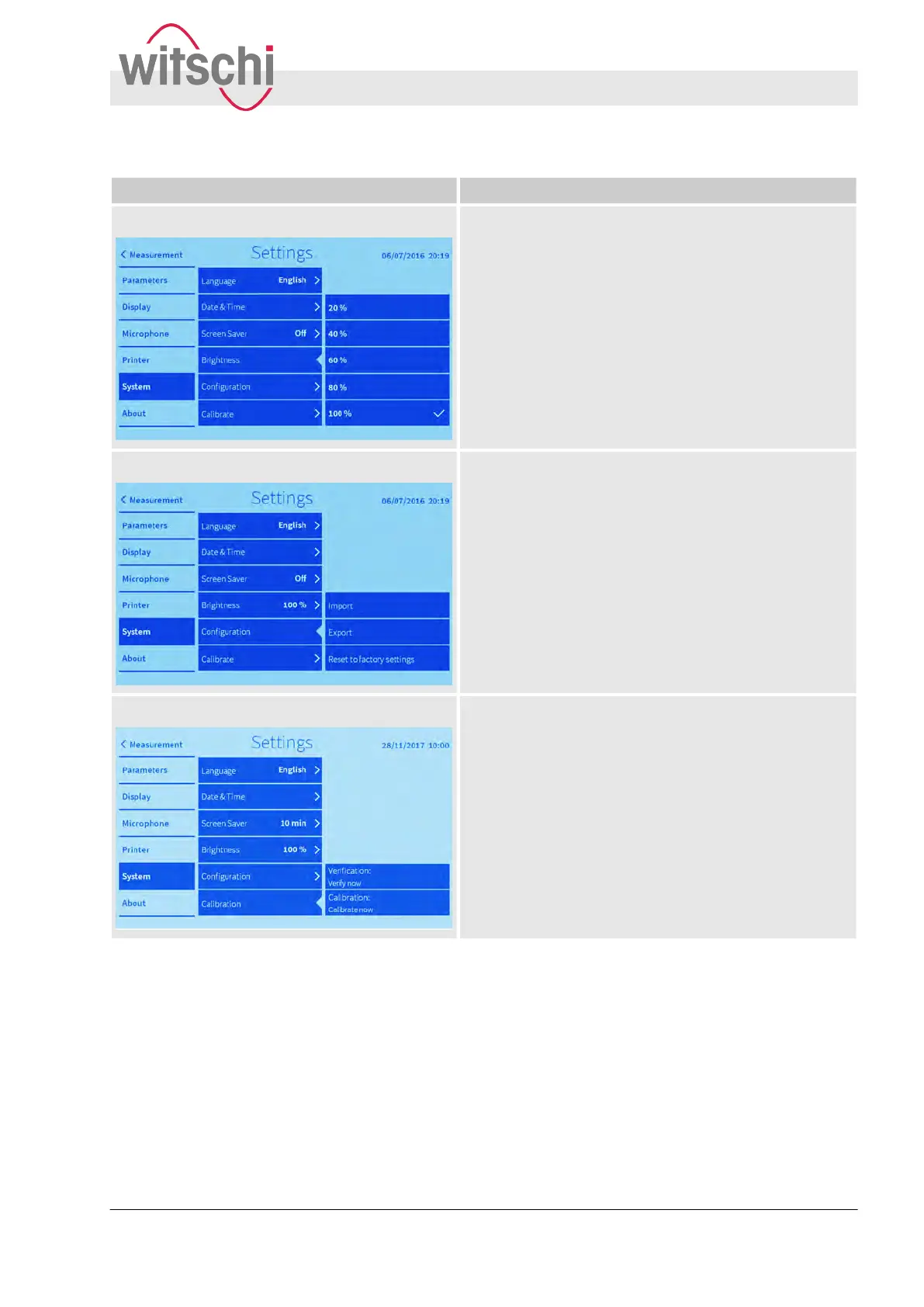
Brightness It is possible to adjust the brightness of the display
Configuration
Using a USB stick, settings can be imported/exported.
The settings can be reset to factory settings.
Calibrate Recalibration and testing the Watch Expert. Calibration
and testing can only be performed by Customer Service.
Configuring the user interface
Configuring system settings
27.02.2018 Precision measuring device Watch ... 63



 To Next Page