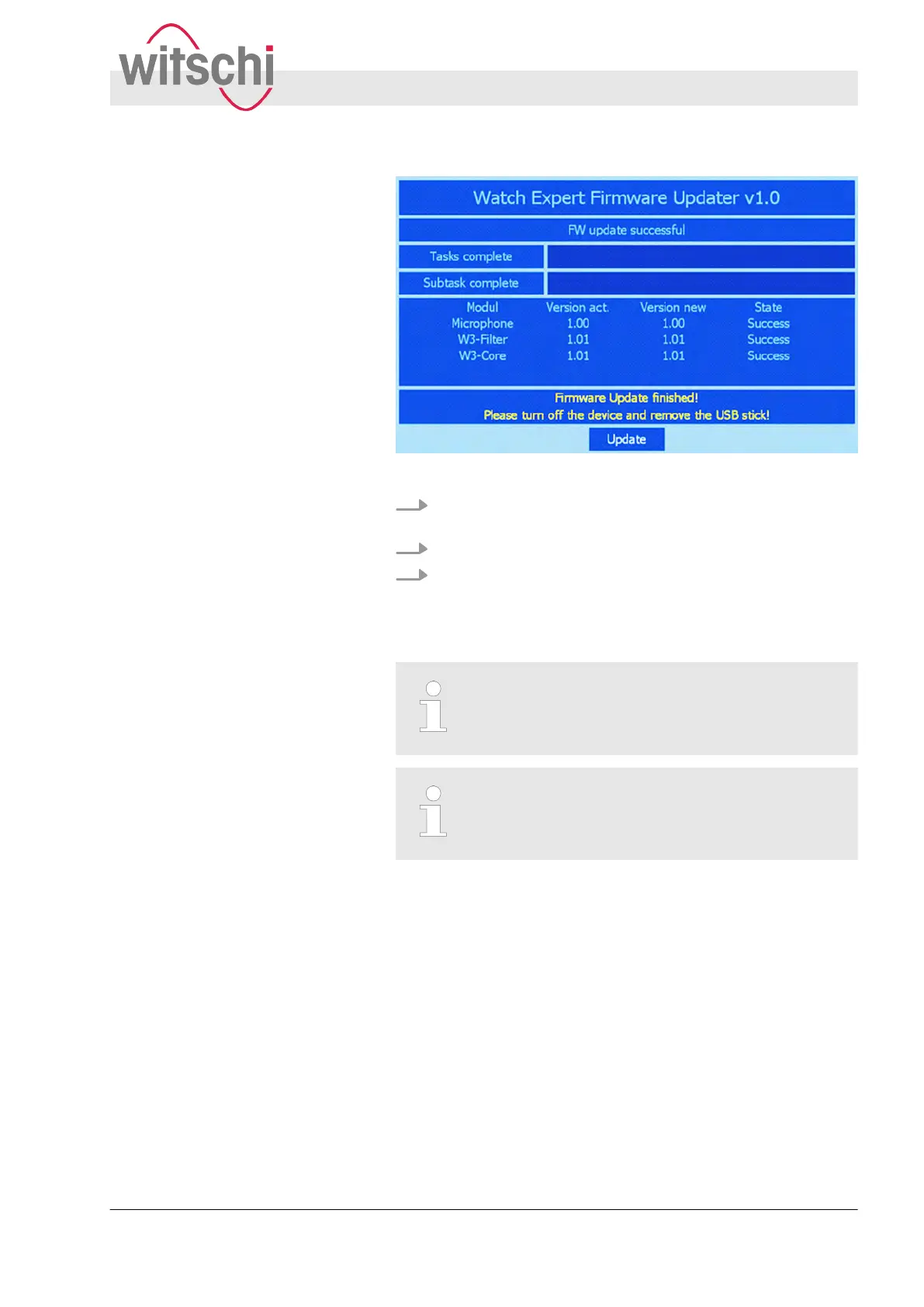
Fig. 40: Firmware update
8. If the update has been completed successfully
, the message
“Firmware Update finished!” appears.
9. Switch of
f the Watch Expert.
10. Remove the USB stick.
ð
The update is complete. The most up-to-date firmware is
installed.
Checking the firmware
The new firmware versions can be checked under
Parameters“Info”.
Retention of inventory data
The user parameters and calibration data are not
deleted as part of a firmware update.
Performing firmware update
Updating firmware
27.02.2018 Precision measuring device Watch ... 67



 To Next Page