Operation
10.2011 ES 7100 PLUS 19
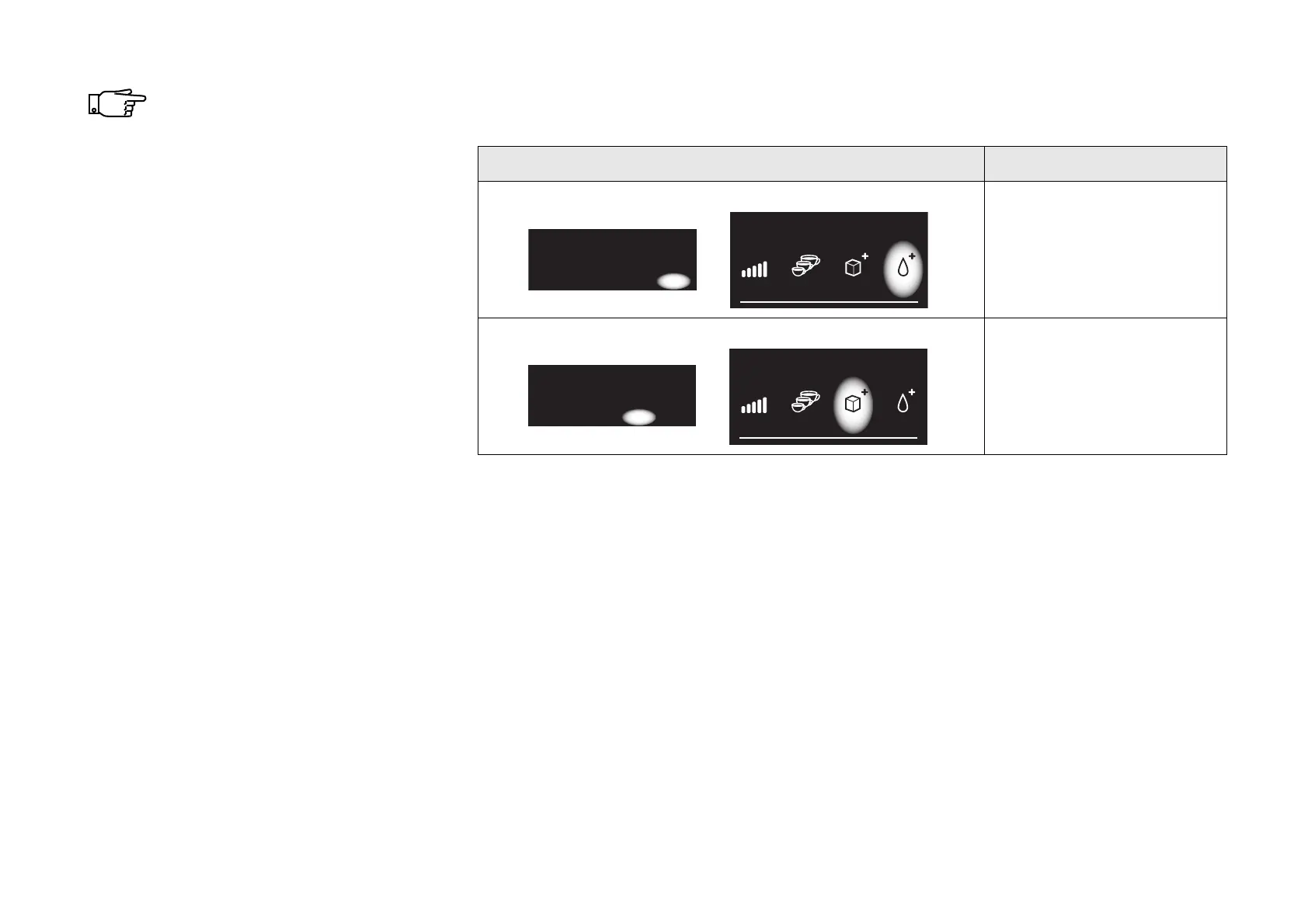
The functions of the buttons vary.
The ‘Sel’ button, for example, may
change to an ‘OK’ button to
confirm an action. The immediate
functions can always be read from
the bottom line of the display.
Alternative functions of the navigation keys:
Display Button Function
‘OK’ button
Press this button to
confirm an action, e.g.
resetting of counters.
‘Esc’ button
Press this button to exit a
function without activating
it, e.g. avoid resetting a
counter.
Reset cash audit
Continue?
*Reset counters
^ v Esc OK
Reset cash audit
Continue?
*Reset counters
^ v Esc OK



 To Next Page