21
User Manual WMF9000 S +
Operation | Hot water dispensing
3.7 Hot water dispensing
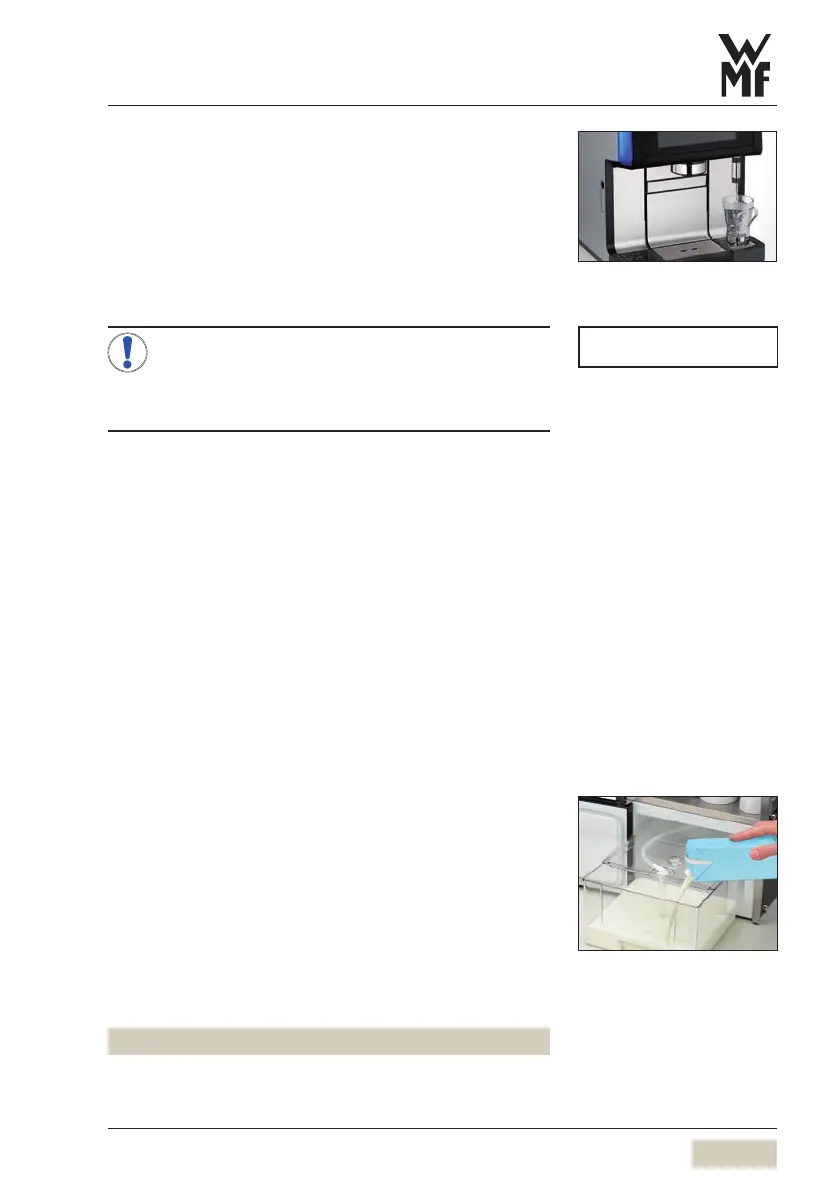
Place acup of the appropriate size beneath the hot
water spout
Touch the hot water button
Dispensing occurs according to the dispensing option.
Multiple preselections are possible for the dispensing
option “metered”.
If “Hot water temperature selection” has been
activated in the software, then touching the hot
water button will bring up aselection of three
dispensing temperatures.
When “Hot water temperature selection” is active
Touch the hot water button
Touch the desired water temperature
Dispensing occurs.
3.8 Milk or milk foam dispensing
Place acup of the appropriate size beneath the
combi spout
Touch the beverage button assigned to milk or milk
foam
Dispensing occurs according to the dispensing option.
3.8.1 With WMFCooler, WMFCup&Cool
(optional)
Remove the milk container out of the cooler
Push the milk container lid back
Pour milk into the milk container
Place the lid back on the container
Insert the adapter on the milk hose into the
connection in the milk container lid
Push the milk container back in carefully
The milk hose is inserted into the adapter.
NOTE
Hot water temperature pre-selection
wOperating options
page 46
Dispensing option
wCup volume
page 34
Start-Stop or metered



 To Next Page