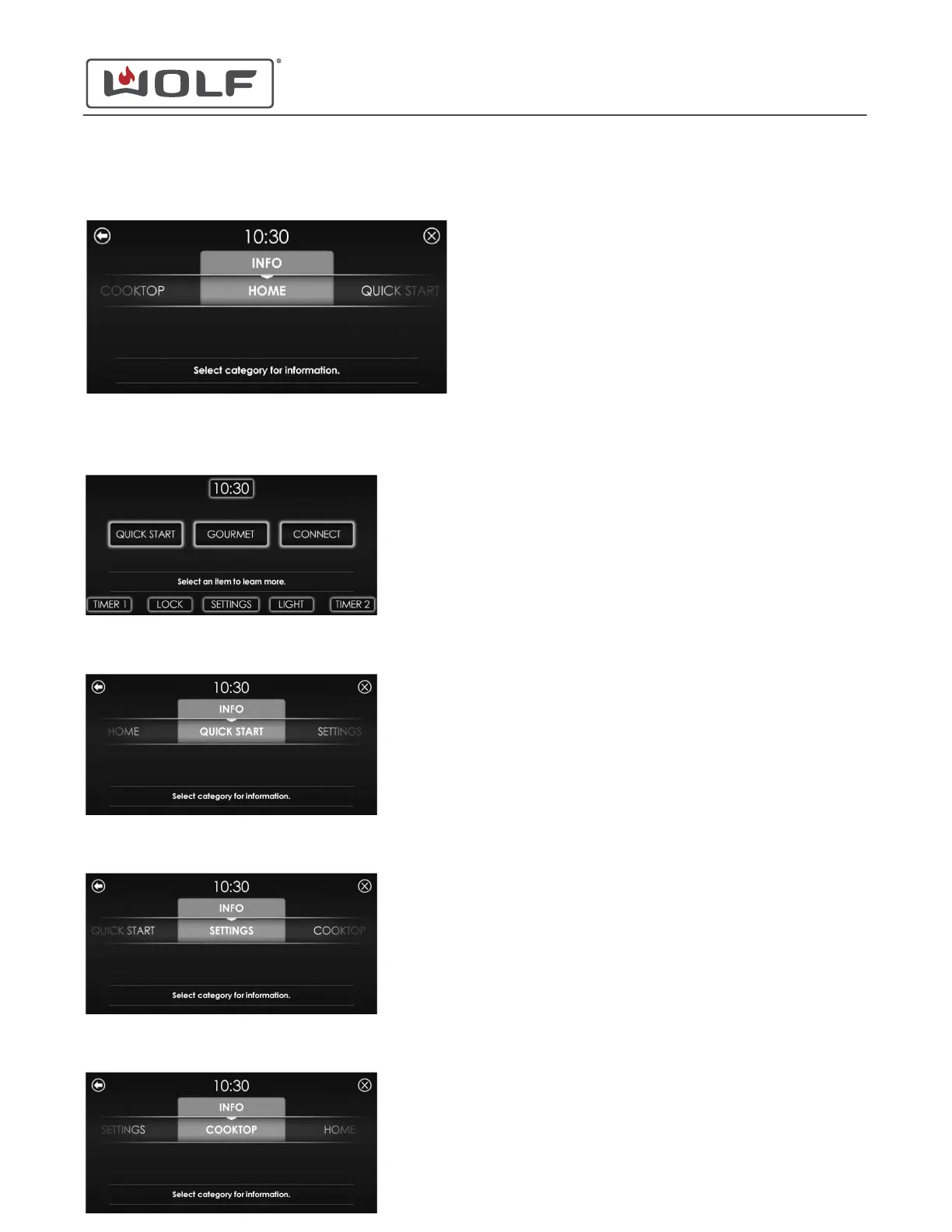
4 Touch Info. The Info screen appears.
• Info has four options:
• Home
• Quick Start
• Settings
• Cooktop
5
Scroll until the desired option is centered on the UIM. Touch
the option . The home screen of that option appears.
Selecting an option gives information on what the option is.
The available options are below.
The options under the Home menu are:
• Quick Start
• Gourmet
• Connect
• Lock
• Time
• Settings
• Timer 1
• Light
• Timer 2
The options under the Quick Start menu are:
• Stone
• Bake
• Convection
• Broil
• Convection Roast
• Roast
• Clean
• Warm
• Proof
• Dehydrate
The options under the Settings menu are:
• Sabbath
• Clock
• Connect
• Standby
• Language
• Units
• Showroom
• About
• Temp Offset
• Brightness
• Sound
• Calibration
The options under the Cooktop menu are:
• Universal Off
• Lock
• Zone Indicator
• Temperature Selection
• Boost
• Bridge
30" and 36" Induction Range
Settings
OPTION INFO (continued)
service.subzero.com
829191 REVA
12



 To Next Page