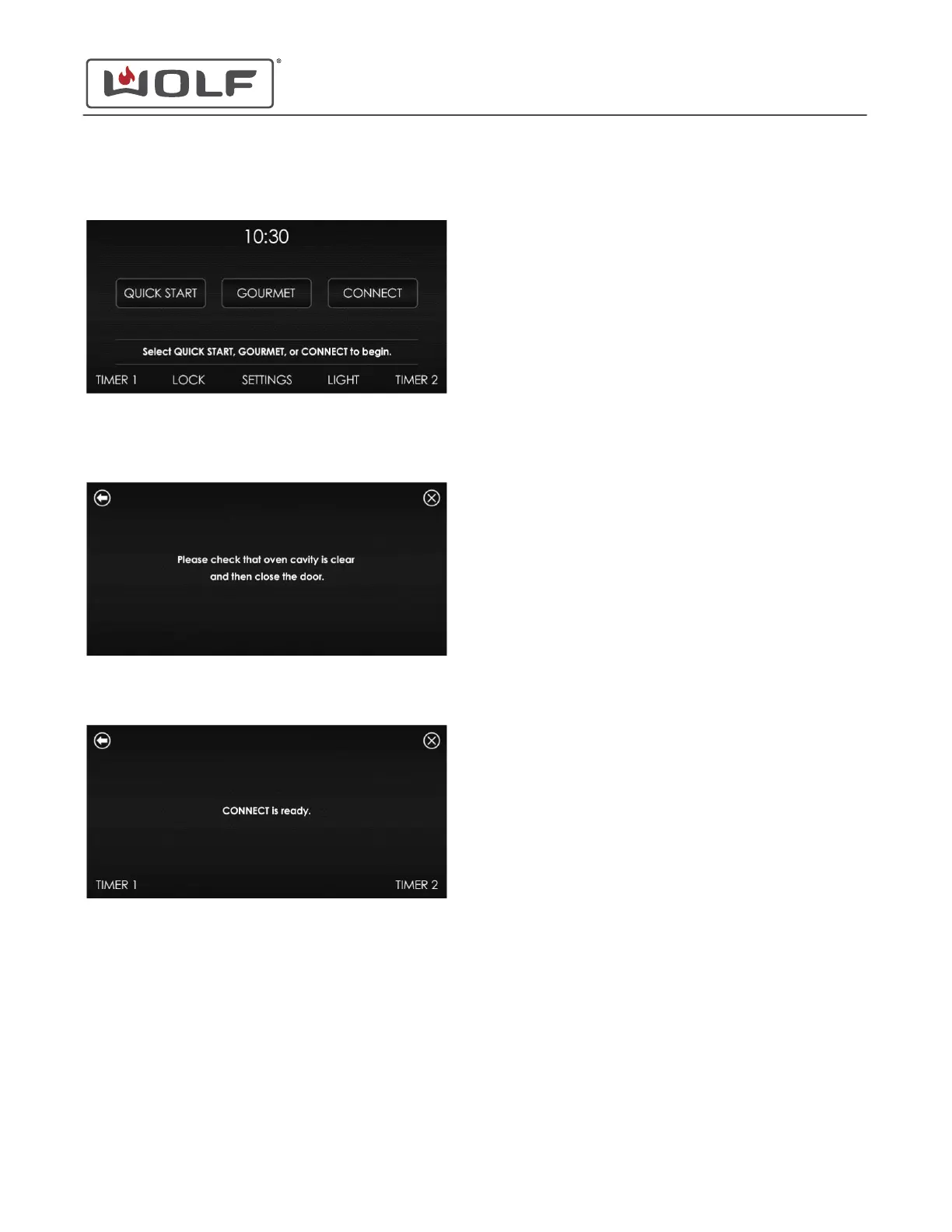
1 Touch the time on the display. The Home screen appears.
2 Touch Connect, and the "Please check that the oven cavity
is clear and then close the door" message appears.
3 Open and close the oven door.
4 The customer can now connect to the appliance using the
Sub-Zero Group Owner's App.
30" and 36" Induction Range
Cooking Modes
CONNECT MODE (continued)
service.subzero.com
829191 REVA
26



 To Next Page