6-2 Viewing the Current Job or Image Rev AB
Wolke m600 touch Operator Manual
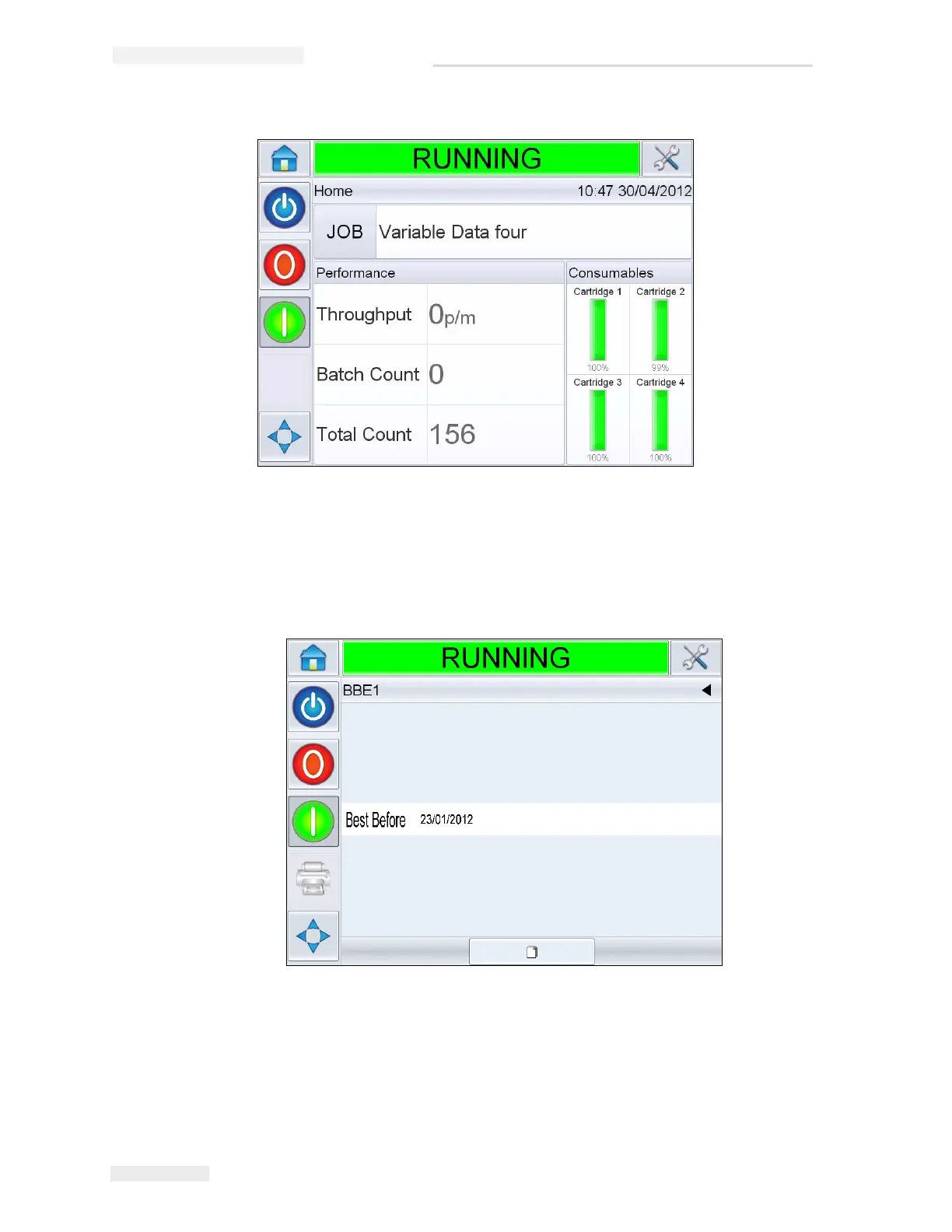
To view more details of the current job, proceed as follows:
1 Touch the name of the JOB on the home page.
2 This will display a preview of the job, as shown in Figure 6-2.
3 To magnify the image on the screen, double touch on the image to
zoom in and zoom out.
If you are satisfied that the job is displayed correctly, you can start the
printer, as described in “How to Start the Printer” on page 5-12. If the
Figure 6-1: CLARiTY
®
Home Page
Figure 6-2: Current Job Details Display



 To Next Page