

 To Next Page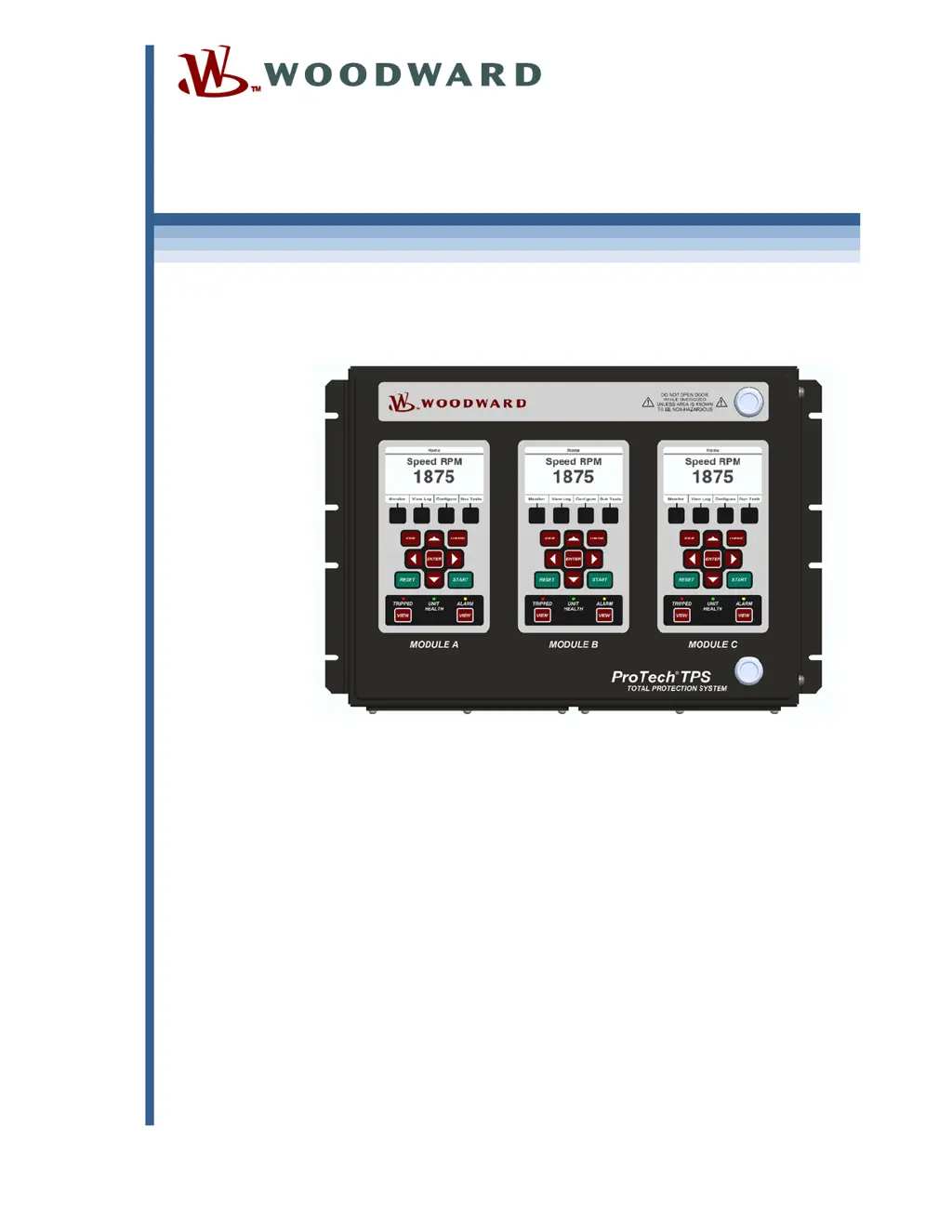
F
Frederick Hall Jr.Aug 21, 2025
How to fix Woodward Power distribution unit power supply inputs that are not working?
- MMichael AdamsAug 21, 2025
If the power supply inputs on your Woodward Power distribution unit aren't working, and you see a power supply input alarm, start by checking the wiring and terminal block connections to ensure they are secure. Then, verify that the power source breaker or fuse is not open. If only one power supply is connected, connect the second one. Also, check the input voltage level to ensure it's within the acceptable range according to the electrical specifications, and confirm that the power supply has the appropriate rating to power the ProTechTPS. You can also check for 'Power Supply 1 or 2 Fault' on the front panel by pressing the VIEW button under the ALARM LED.
 General