32
1
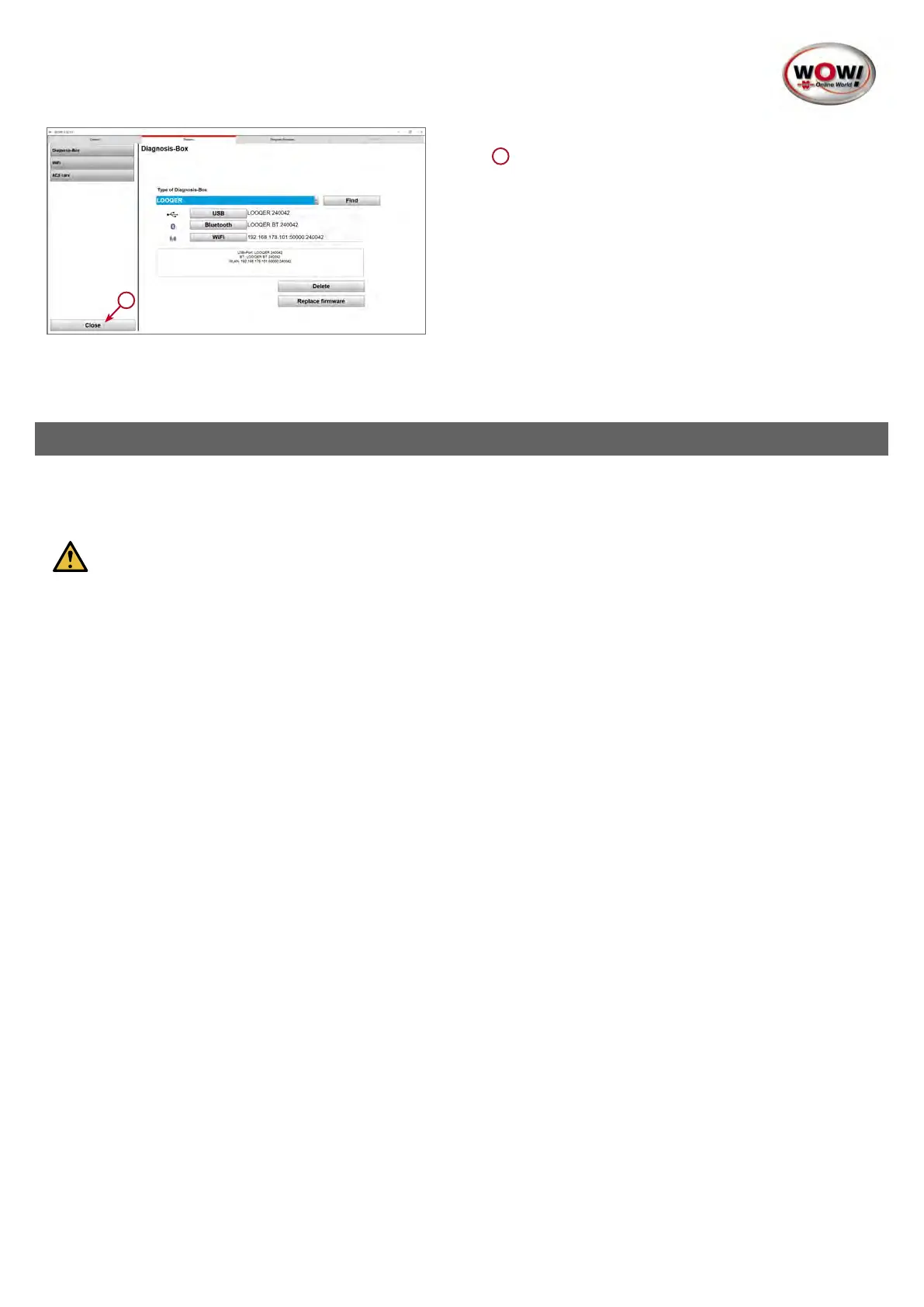
4. Press Close to save the settings and exit this screen
1
Yourdeviceisnowreadyforuse!
4. Diagnosis
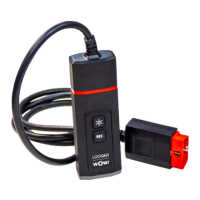
Whenallsettingshavebeenmade,youcancarryouttherstdiagnosiswiththedevice.Todothis,connectthedeviceto
the diagnostic interface of the vehicle.
Attention!DuringrstconnectiontotheLOOQERcontrolunit,itisessentialtoestablishaninternet
connection.
Whenthedeviceisconnectedtoacontrolunitforthersttime,securitykeysarequeriedonline,aprocesswhichallows
a connection to be established between computer, diagnostics device and control unit. For this reason, select a location
whereyourcomputerhasstableinternetaccesswhenestablishingaconnectiontoacontrolunitforthersttime.
Once this process has been completed in the background, you can use the device to carry out the full range of diagnostic
functions, whereby success depends on the establishment of the connection.
Controlunitscan
Open the vehicle selection and select your vehicle. The various ways to do this are described in the -> “WOW! Software
Manual”.
Diagnosticfunctions
Inthe“WOW!SoftwareManual”,startingwithpoint“4.Diagnosticfunctions”,youwillndinformationon:
4.1 EOBD Diagnosis
4.2 Serial OBD Diagnosis
4.3 Flight recorder
As the fundamental diagnostic functions such as
• reading out and deleting system-related fault memories
• reading out data lists and system information
• actuator test for activating and deactivating individual sensors and actuators
• codings and settings of the systems in the control units
do not differ from those of the previous diagnostic hardware, please refer to the “WOW! Software Manual” for an explana-
tion of the functions.


 To Next Page
 Loading...