Data storage Multi 9420
102 ba75964e04 04/2015
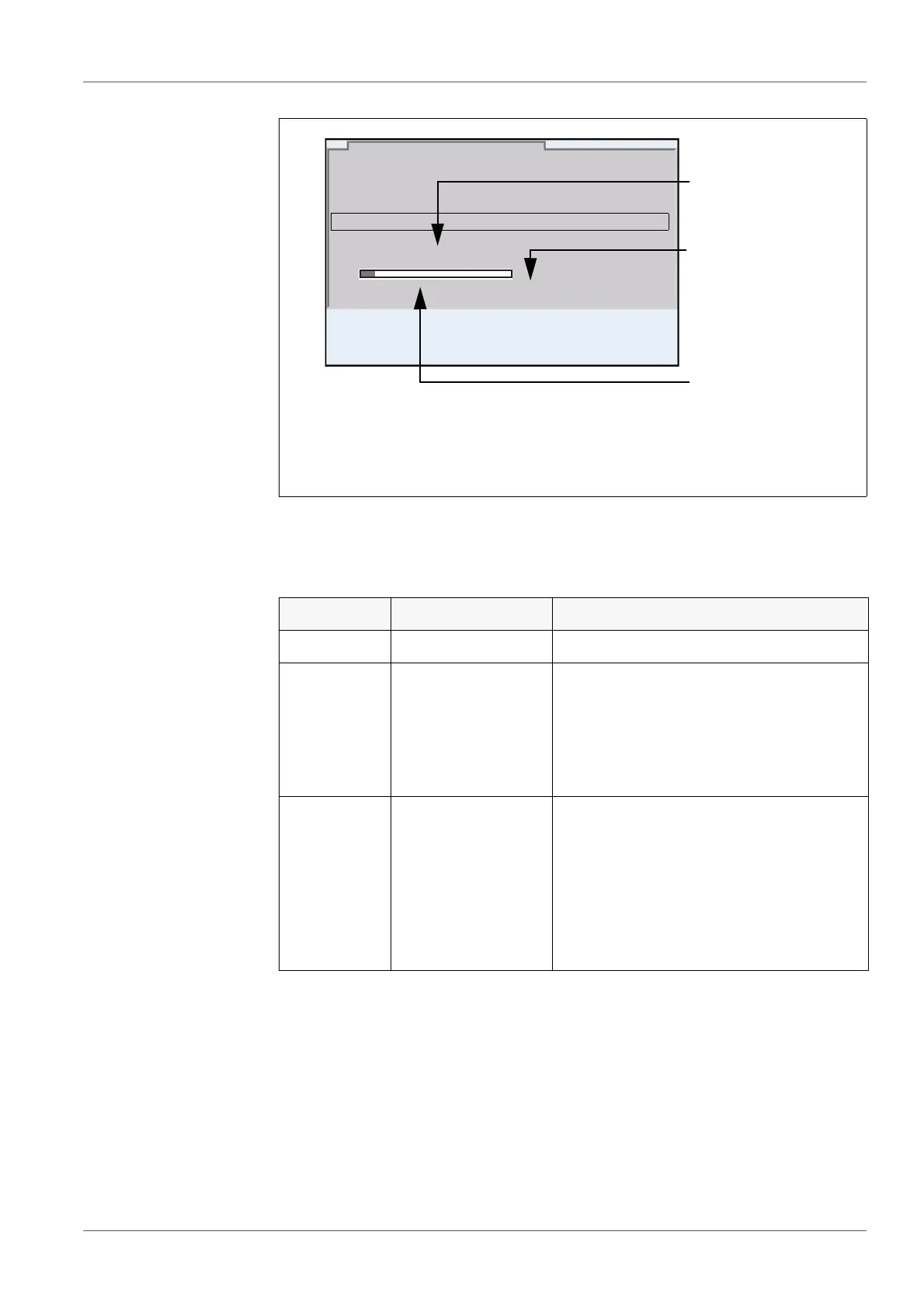
Settings You can configure the automatic data storage function with the following
settings:
1 Adjusted entire storage duration
2 Max. available storage duration
3 Graphical display of the storage usage
ID number 1
Interval 30 s
Duration 180 min
continue
0d03h00min
0 1d17h33min
Automatic data storage
01.08.2013 08:00
1
2
3
Menu item Possible setting Explanation
ID number 1 ... 10000 ID number for the dataset series.
Interval 1 s, 5 s, 10 s,
30 s, 1 min,
5 min, 10 min,
15 min, 30 min,
60 min
Storage interval.
The lower limit of the storage interval
can be restricted by the number of free
storage locations.
The upper limit is restricted by the stor-
age duration.
Duration 1 min ... x min Storage duration.
Specifies after which time the auto-
matic data storage should be termi-
nated.
The lower limit of the storage duration
is restricted by the storage interval.
The upper limit is restricted by the
number of free storage locations.



 To Next Page