Settings Multi 9420
92 ba75964e04 04/2015
9.4 D.O. measurement settings
9.4.1 Settings for D.O. measurement
The settings are available in the menu for measurement and calibration set-
tings. To open the settings, display the required measured parameter in the
measured value display and press the <ENTER> key. After completing the set-
tings, switch to the measured value display with <M>.
9.5 Cond measurement settings
9.5.1 Settings for IDS conductivity sensors
The settings are made in the menu for the measured parameter, conductivity.
To open the settings, display the required measured parameter in the mea-
sured value display and press the <ENTER> key. After completing the settings,
switch to the measured value display with <M>.
The possible settings are individually displayed for each sensor. Below the set-
ting menu is displayed for two IDS sensors (TetraCon 925, LR 925/01).
Default settings are printed in bold.
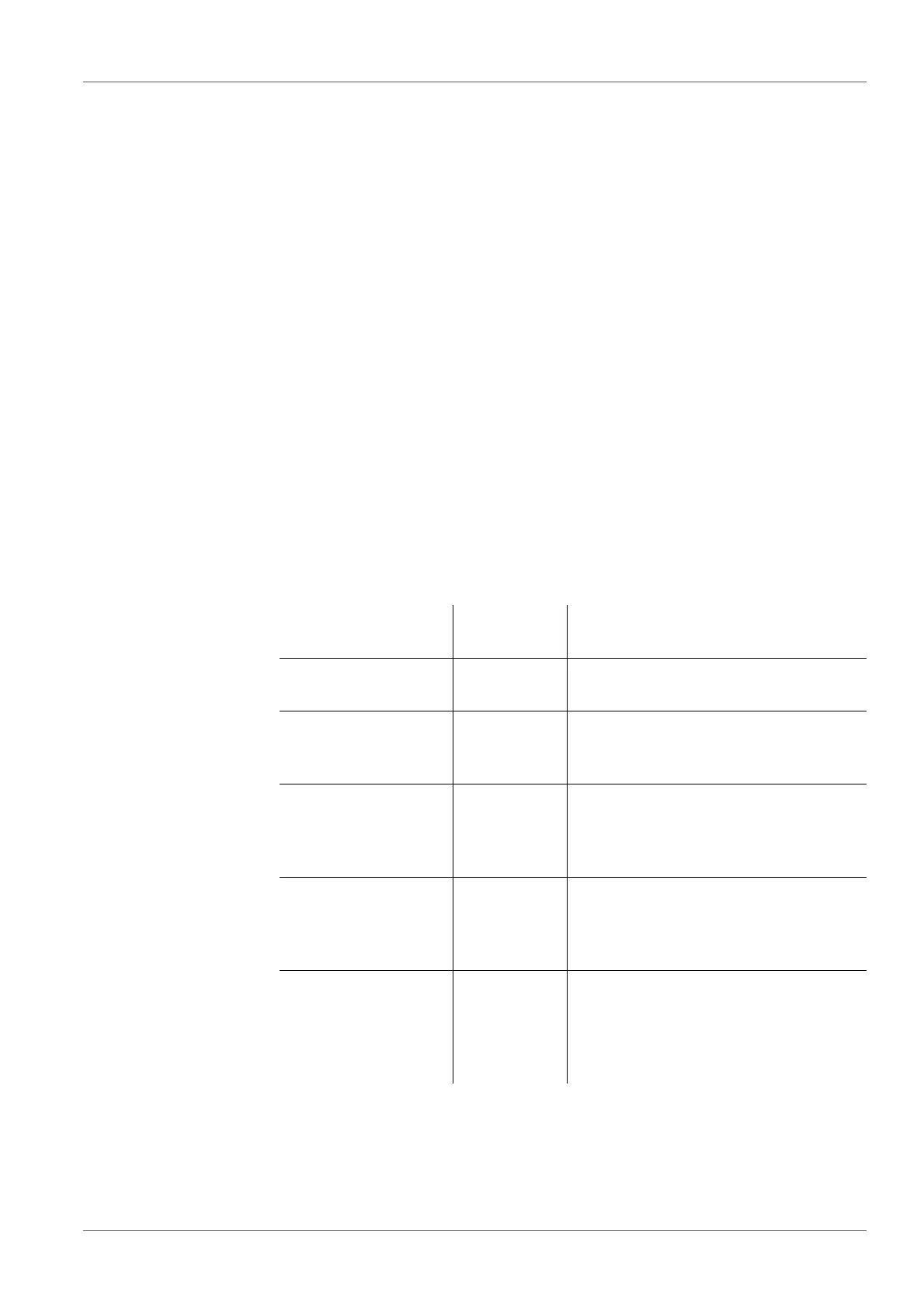
Setting menu of
TetraCon 925
Menu item Possible
setting
Explanation
Calibration /Calibra-
tion record
- Displays the calibration record of the
last calibration.
Calibration / Calibra-
tion data storage /
Display
- Displays the last calibration records
(max. 10)
Calibration / Calibra-
tion data storage /
Output to USB flash
drive or printer
- Outputs the stored calibration data to
the USB-A interface (USB memory
device/USB printer)
Calibration /
Calibration data stor-
age / Output to
RS232/USB
- Outputs the stored calibration data to
the USB-B interface (PC)
Calibration /Calibra-
tion interval
1 ... 150 ...
999 d
Calibration interval for the IDS con-
ductivity sensor (in days).
The meter reminds you to calibrate
regularly by the flashing sensor sym-
bol in the measuring screen.



 To Next Page